Microsoft Teams
Connect Microsoft Teams
Grant Ventus Prime access to your Microsoft Teams tenant.
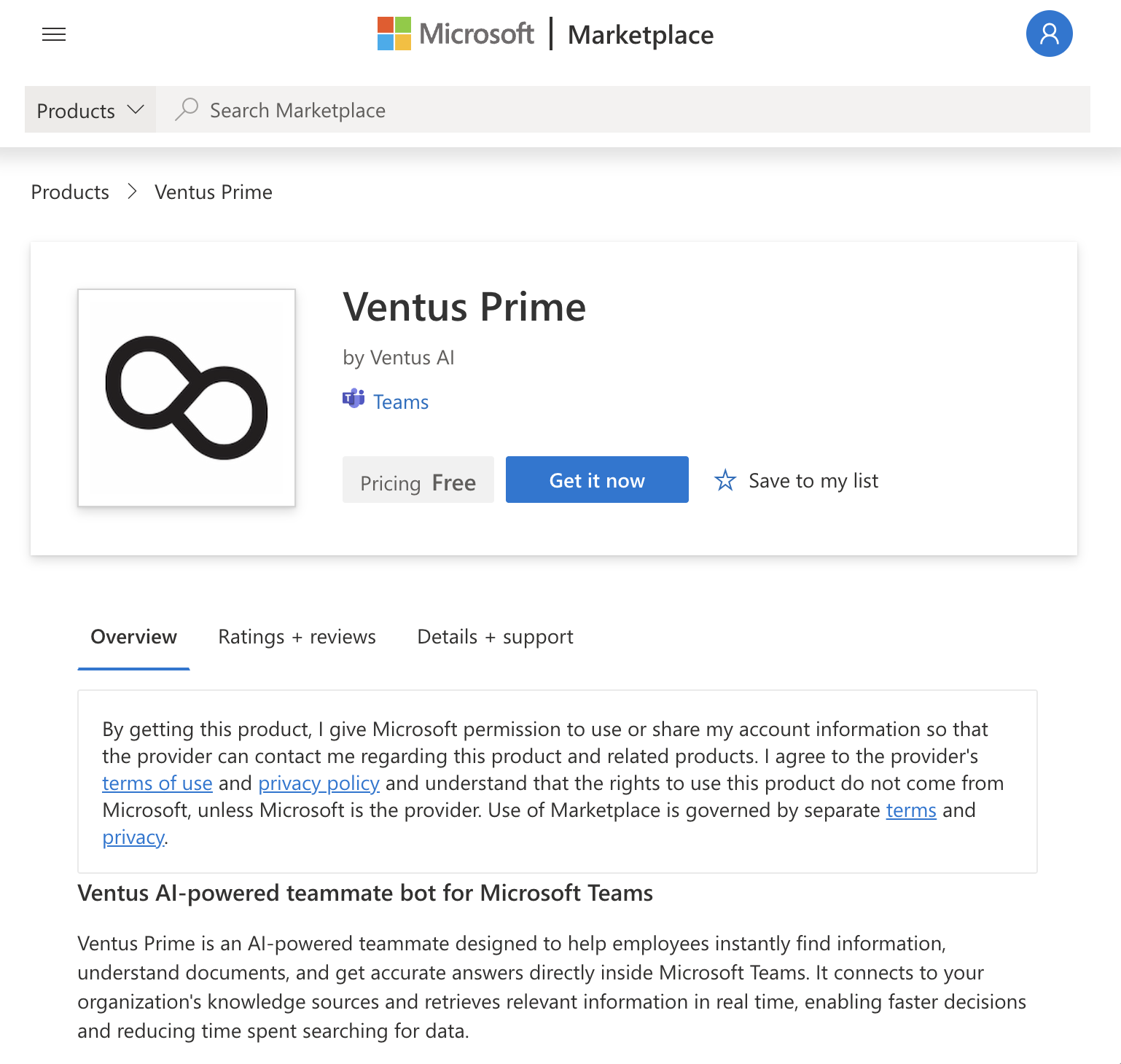
Step 1: Install the Ventus Prime Bot in Microsoft Teams
Add the Ventus Prime app to your Microsoft Teams workspace before connecting your account.
You can install it directly from the Microsoft AppSource or via the Teams app link below:
Step 2: Log in to Ventus Prime
Go to prime.ventus.ai and log in with your account credentials.
Step 3: Open Integration Settings
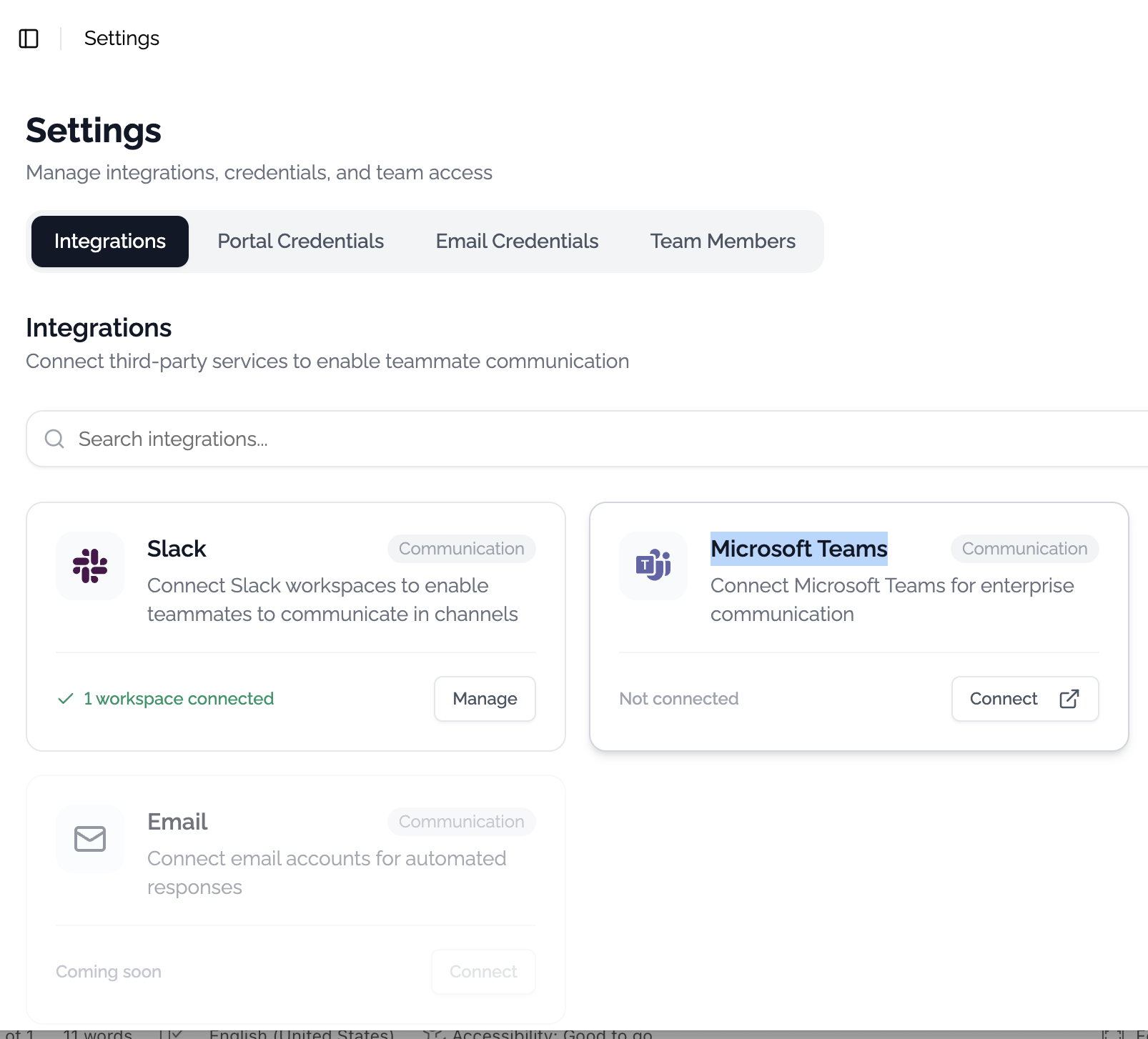
Navigate to Settings at prime.ventus.ai/teammate/settings.
Click the Connect button under Microsoft Teams. A pop-up window will appear asking you to grant Ventus access to your Teams tenant.
Step 4: Verify Connection
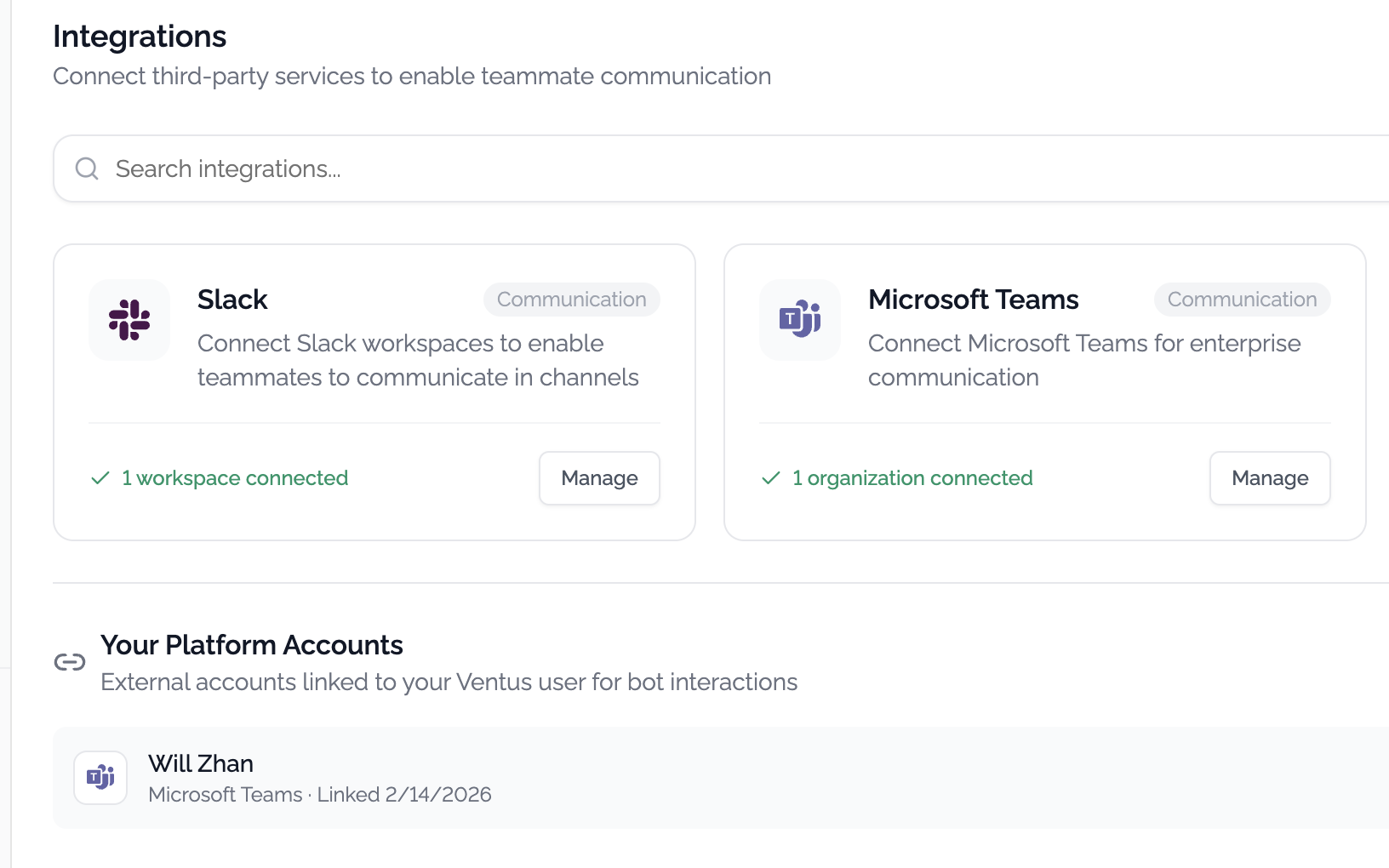
After granting access, your account will be bound to Microsoft Teams. You can verify the connection at prime.ventus.ai/teammate/settings?tab=integrations.
You should see your Teams account listed under the integrations tab: