

RCM firms: offer AI automation to your clients in 2026. See proven deployment models, pricing strategies, and how DSOs scaled with Ventus AI agents.
What is RCM AI services?
RCM AI services are packaged automation offerings that revenue cycle companies deliver to clients using AI agents to execute repetitive back-office work (e.g., eligibility checks, claim statusing, denial follow-ups) across payer portals, EMRs, and billing systems. These services increase throughput, reduce error rates, and operate 24/7 without APIs by using browser-native automation. For example, Smilist now executes 3,000+ claim status checks per day with AI agents—work that would otherwise require multiple full-time coordinators.
If you lead a revenue cycle firm in 2026, you likely feel pressure on margins, SLAs, and labor availability. Clients want faster cash conversion and predictable pricing; your teams grapple with payer portal changes, staffing volatility, and manual exception handling. This guide shows how to operationalize RCM AI services—what they are, why they matter now, the go-to-market models, an implementation roadmap, ROI benchmarks, and a robust FAQ to help you decide. You’ll see where AI agents fit alongside your team, what to automate first, and how to launch in under a week with low change management.
The hidden cost of staying manual in RCM
Manual revenue cycle workflows carry hidden costs that compound over time. Coordinators spend hours logging into payer portals, navigating MFA, copying results into billing systems, emailing updates, and phoning payers for exceptions. Every new client adds more portals, more credentials, and more variance in SOPs. The result is a fragile operation where throughput is gated by shift schedules, training curves, and error rework.
Operational impact shows up in three places:
- Throughput constraints: When teams are limited to business hours, status checks and follow-ups lag, elongating days in AR and complicating month-end close.
- Error drag: Manual re-keying introduces avoidable denials and write-offs. Even a small error rate across thousands of transactions compounds into material leakage.
- Scaling friction: Adding headcount to chase volume spikes isn’t always feasible—and onboarding takes time. Meanwhile, payers change portal flows, CAPTCHAs, and security prompts without notice.
Clients notice. They feel slow responses on claim updates, inconsistent documentation, and variability in turnaround times. Executives see the margin pressure—and analysts spend cycles on low-leverage work instead of root-cause denial analysis.
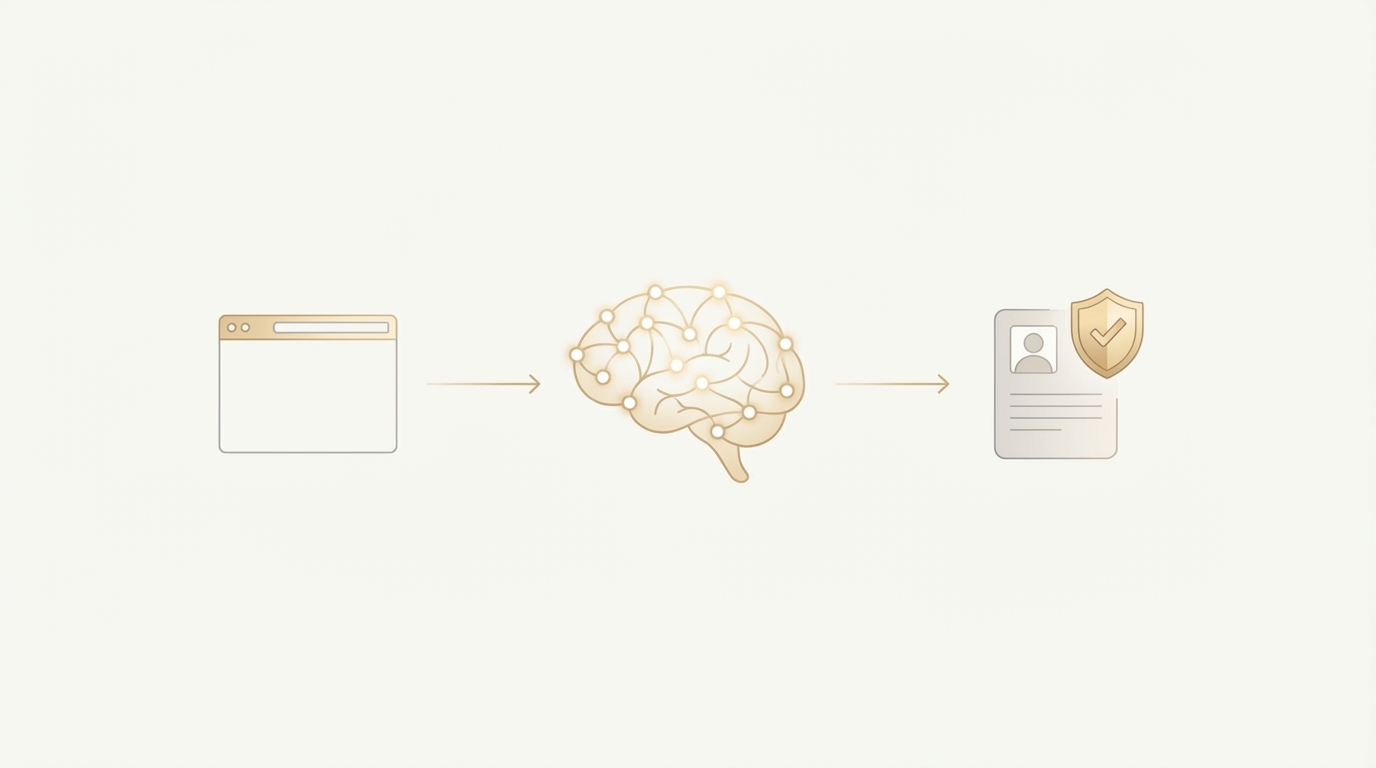
This is exactly where AI agents shine: browser-native teammates that do the repetitive steps the way your SOP prescribes, at machine speed, day and night. With Ventus AI, those agents can navigate MFA/CAPTCHAs, make calls for exceptions, post updates to Slack or Teams, and document every action for audit. Crucially, they don’t require API integrations—so you can launch service lines quickly across the payer mix your clients already use.
Enterprise teams deploy in 7 days — no integration required.
Book Your Free 15-Minute DemoThree models for offering RCM AI services: A head-to-head comparison
Modern automation gives RCM providers multiple go-to-market paths. Below are three viable models with trade-offs, so you can align approach to your client mix, margins, and timeline.
1. Build an in-house automation team
- Best for: Large RCM firms with a central platform team and long planning horizons.
- Pros: Full control of tech stack; bespoke governance; IP accumulation over time.
- Cons: Long lead times (hiring, tooling, infra); high fixed costs; maintenance burden when payers change UI/MFA; competes for scarce engineering talent.
2. Outsource to a RPA vs AI agents/BPO vendor
- Best for: Firms standardizing a few high-volume, stable processes.
- Pros: Known model; outsourced maintenance; access to scale for stable scripts.
- Cons: Fragile with UI changes; API/IT lift common; limited exception handling; slower iteration; licensing costs per bot/VM.
3. Deploy browser-native AI agents (managed service)
- Best for: Firms needing speed to value, coverage across many payers, and human-in-the-loop exception handling.
- Pros: Under 7-day deployment; no APIs required; handles MFA/CAPTCHAs; works in Slack/Teams/Email; can place phone calls; HIPAA + SOC 2 and HIPAA compliance Type II; elastic scale by volume.
- Cons: New operating model to embed; requires SOP clarity; governance update for AI-run transactions.
Manual vs. automated approaches (at-a-glance)
| Dimension | Manual Operations | Legacy RPA Bots | Ventus AI Agents (Browser-Native) |
|---|---|---|---|
| Setup time | Weeks to train and QA | Weeks–months: scripts, APIs, VMs | Under 7 days; no APIs; runs in browser |
| Coverage | Business hours only | Business hours; scripts may break | 24/7; resilient to UI and MFA flows |
| Handling UI changes | Retraining humans | Script rework and testing | Agents adapt via vision + policy, with guardrails |
| Security & compliance | Human access logs | VM and credential sprawl | HIPAA + SOC 2 Type II; centralized audit trails |
| Data entry accuracy | Human re-key risk | Scripted accuracy until breakage | High accuracy; validates fields and screenshots |
| Exception handling | Calls, emails, notes | Often off-script | Agent escalates in Slack/Teams; can call payers |
| Communication | Email threads | Ticket queues | Native Slack/Teams/Email updates with evidence |
| Example outcome | 3–5 minutes per status check | 1–2 minutes if stable | Thousands/day; Smilist runs 3,000+ status checks |
Implementation roadmap: From pilot to scale
You can launch RCM AI services in weeks—not quarters—by sequencing work and tightening feedback loops. Here’s a playbook we use with providers and platform teams.
- Scope a high-ROI pilot (1–2 workflows)
- Choose repeatable, rules-based tasks: Claim statusing for top payers, eligibility/benefit checks, ERA/EOB reconciliation, or rejection re-work.
- Define success metrics: Throughput per hour, first-pass yield, handling time, and exception rate.
- Capture SOPs and edge cases: Screenshots, decision trees, and escalation paths.
- Deploy browser-native agents
- Credentials and security: Vault access per client and payer; role-based controls; audit trails.
- Environment: Agents operate in standard browsers with multi-factor and CAPTCHA handling baked in.
- Communication: Agents report outcomes in Slack/Teams/Email, attach evidence, and tag humans for exceptions.
- Run an instrumented pilot (1–2 weeks)
- Daily stand-ups in Slack/Teams: Review volumes, exceptions, UI changes, and agent improvements.
- Tighten SOPs: Clarify payer-specific logic and denial codes.
- Capture wins: Before/after metrics, screenshots, and client feedback.
- Expand across payers and clients
- Template and replicate: Clone the agent playbook per payer and client variant.
- Governance: Establish change-management for portal updates and quarterly audits.
- Commercialize: Package as line items in MSAs/SOWs with outcome-based pricing if desired.
- Industrialize operations
- Quality and compliance: Evidence artifacts, audit logs, and PHI minimization by design.
- Training and enablement: Ops leads monitor dashboards; analysts focus on exceptions and analytics.
- Portfolio roadmap: Add denial prevention, underpayment detection, and appeals automation.
Common pitfalls to avoid
- Vague SOPs: Ambiguity creates exception loops. Document decision thresholds and payer logic.
- Over-scoping the first pilot: Start narrow; win trust; then scale.
- No escalation rules: Define when and how agents hand off to humans—by code, time, or risk level.
- Ignoring change management: Communicate new roles and success stories early and often.
Success factors to prioritize
- Executive sponsorship: Tie pilot goals to revenue, margin, and SLA objectives.
- Measurable outcomes: Baseline metrics before go-live; publish weekly delta.
- Human-in-the-loop design: Clear escalation and approval gates.
- Security-first posture: Role-based access, logging, and periodic reviews.
Real customer validation
Smilist executes over 3,000 claim status checks per day with AI agents—capacity that would otherwise require multiple full-time coordinators. For payer-heavy workflows, that level of throughput can transform SLAs and client satisfaction.
ROI reality check: What technology leaders actually achieve
When done right, RCM AI services deliver measurable gains that compound across your client base.
- Faster cash conversion: Agents run status checks, eligibility, and follow-ups 24/7, compressing wait times and unlocking earlier payments.
- Higher throughput per FTE: Teams shift from rote data entry to exception handling and analytics—lifting productivity without adding headcount.
- Lower error rates: Fewer re-keying mistakes and more consistent documentation reduce preventable denials and rework.
- Elastic capacity: Scale up for end-of-month spikes or new client onboarding without months of hiring and training.
Metrics to track
- Cycle-time reduction: Minutes per status check; hours saved per batch.
- Throughput: Transactions per day per workflow (e.g., Smilist’s 3,000+ checks daily).
- Quality: First-pass yield and exception rate by payer.
- Financial impact: Days in AR, write-offs avoided, staff time redeployed.
Timeline to results
- Quick wins (1–2 weeks): Pilot live; daily gains in throughput and visibility via Slack/Teams updates.
- Material impact (30–60 days): Expanded payer coverage; measurable cycle-time and error reductions across clients.
- Scaled program (90 days+): Portfolio of AI-run workflows; standardized governance; commercial packaging in MSAs.
These results are achievable because agents operate in standard browsers, handle MFA/CAPTCHAs, and escalate exceptions—no brittle APIs or long integration paths. For healthcare use cases, HIPAA and SOC 2 Type II compliance enable production workloads with PHI.
See how enterprise healthcare organizations deploy AI agents in under 7 days.
Request a DemoFrequently Asked Questions
How do RCM AI services work?
RCM AI services use browser-native AI agents to log into payer portals and billing systems, follow SOPs, and complete tasks end-to-end. The agents handle MFA and CAPTCHAs, capture screenshots as evidence, and post results in Slack, Teams, or Email. When a rule or threshold is met (e.g., missing documentation), agents escalate to a human, or even place phone calls for exceptions. Because they work through the browser, they require no APIs and can launch quickly across your existing payer mix.
How much do RCM AI services cost?
Pricing typically aligns to workflow volume and outcomes rather than per-seat licenses, creating a predictable cost per transaction. Many firms fund pilots from operational budgets because agents replace hours of repetitive work and free analysts for higher-value tasks. With throughput like Smilist’s 3,000+ claim checks per day ROI is driven by faster cycle times and reduced rework. Your exact model can be packaged as managed service add-ons in client MSAs.
How long does implementation take?
Under 7 days for initial workflows with browser-native agents. A focused pilot goes live in 1–2 weeks, including SOP capture, credential setup, and Slack/Teams reporting. Daily stand-ups tighten decision rules and exception handling. Unlike RPA projects that need APIs or VMs, this model runs in a standard browser, so you can expand across payers quickly and template workflows per client.
Is it compliant and secure for healthcare RCM?
Yes—Ventus is HIPAA compliant and SOC 2 Type II certified, with role-based access controls and detailed audit trails. Agents store credentials securely, operate with least-privilege access, and document every action with evidence artifacts for audits. Because work runs through the browser, PHI remains within governed systems and standard security flows (MFA, session timeouts) are respected. Governance reviews and periodic access audits are built into the operating model.
What results can we expect for clients?
You can expect faster cash conversion, higher throughput per FTE, and lower error rates on repeatable workflows. Concrete benchmarks include Smilist’s 3,000+ daily claim status checks. Typical early wins include 24/7 coverage, reduced re-keying, and standardized documentation that improves payer follow-ups and client SLAs.
Can AI agents handle MFA, CAPTCHAs, and portal changes?
Yes—agents navigate MFA and CAPTCHAs as part of their browser-native workflow and adapt to common UI changes with guardrails. When a portal changes significantly, the agent flags exceptions and routes them to Slack/Teams for quick human guidance, then incorporates updated steps. This reduces fragility compared to fixed scripts and keeps throughput steady even as payers update interfaces.
Do we need APIs or heavy IT integration to start?
No—agents operate through the browser, so you don’t need APIs, EDI changes, or custom integrations to launch. The team sets up credentials, SOPs, and secure access, then agents execute tasks and report outcomes. This approach lets you serve diverse clients and payer mixes quickly, while you plan longer-term platform integrations separately if needed. It’s a low-lift way to add value in the near term.
Explore more AI insights or see our integration options.
Your Next Move: Action Plan for This Quarter
- Pick 2 candidate workflows: Choose high-volume, rules-based tasks like claim statusing or eligibility checks across top payers.
- Baseline the metrics: Record handling time, throughput, and exception rates before automation.
- Launch a 7-day pilot: Stand up browser-native agents, wire Slack/Teams reporting, and refine SOPs daily.
- Package the service: Add as a line item in MSAs with clear SLAs and evidence reporting.
- Scale deliberately: Template for new payers and clients; expand to denial follow-ups and underpayment detection.
Ready to operationalize AI with minimal disruption? → See how it works on your payer mix — Book a 30-minute demo
Additional resources for your team:
- Healthcare-focused playbooks: dental RCM automation
- Schedule time with our specialists: book a demo
Ready to Transform Your Revenue cycle?
See how Ventus AI agents can automate your end-to-end RCM automation with AI agents in under 7 days—no complex integrations required.
Book Your Free Demo
Enterprise AI Automation for Healthcare RCM
Written by the Ventus AI team — healthcare RCM practitioners, automation engineers, and former revenue cycle leaders building AI agents that work as teammates alongside billing teams. Ventus is SOC 2 Type II certified and HIPAA compliant.