

A practical playbook for offering RCM AI services to clients—features, rollout steps, ROI, and compliance—plus real results from Smilist. Book a demo.
What is RCM AI Services?
RCM AI services are packaged, managed automations that execute end-to-end revenue cycle tasks—such as eligibility checks, claim status, denial follow-up, and prior authorization—using AI-powered agents. These agents work like skilled teammates: logging into payor portals, posting updates in your systems, and escalating exceptions to your staff. Benefits include faster cycle times, lower cost per claim, higher first-pass resolution, and 24/7 throughput. For example, Smilist reduced AR follow-up from 90 days to under 24 hours—evidence that AI agents can compress timelines from days to minutes when applied to repetitive workflows.
If you’re a revenue cycle company, your clients want automation, but you’ve likely felt the pain of brittle bots, complex EHR integrations, and compliance overhead. This guide explains how to offer RCM AI services that your clients will trust and buy: what they are, where they work best, how to roll them out in under a week, and how to quantify ROI with credible, defensible metrics. Now is the right moment: payer portals continue to change, labor markets remain tight, and AI agents have matured to reliably handle MFA, CAPTCHAs, and exception handling under enterprise controls.
The Problem/Challenge
Most RCM organizations run lean teams that juggle dozens of portals and clearinghouses, each with different rules, logins, and quirks. Leaders want to scale without adding headcount, but RPA vs AI agents and API projects stall for months. Common challenges include:
- Fragmented systems and payer portals: Each client’s tech stack and payer mix forces your team to maintain many variations of the same workflow. Small UI changes in portals can break legacy scripts and bots.
- Uncertain APIs or delayed integrations: Waiting on vendor roadmaps or custom EHR interfaces slows progress. Meanwhile, clients expect measurable gains this quarter, not next year.
- Exception overload: Real-world RCM has edge cases—missing documentation, eligibility mismatches, plan-specific rules—that require nuanced handling, phone calls, and clear escalation paths.
- Compliance and security: Any automation touching PHI requires HIPAA-grade controls, audit trails, and dependable identity/security flows (MFA, CAPTCHAs, timeouts).
- Change management: Staff may fear automation will replace them, and clients worry about disruption. Without transparent controls and communication, adoption lags.
RCM leaders know the business impact of these constraints. Long DSO ties up cash; denials and rework inflate cost per claim; throughput caps limit growth. The strategic question is how to deliver automation as a reliable service—quickly—without a multi-year integration program.
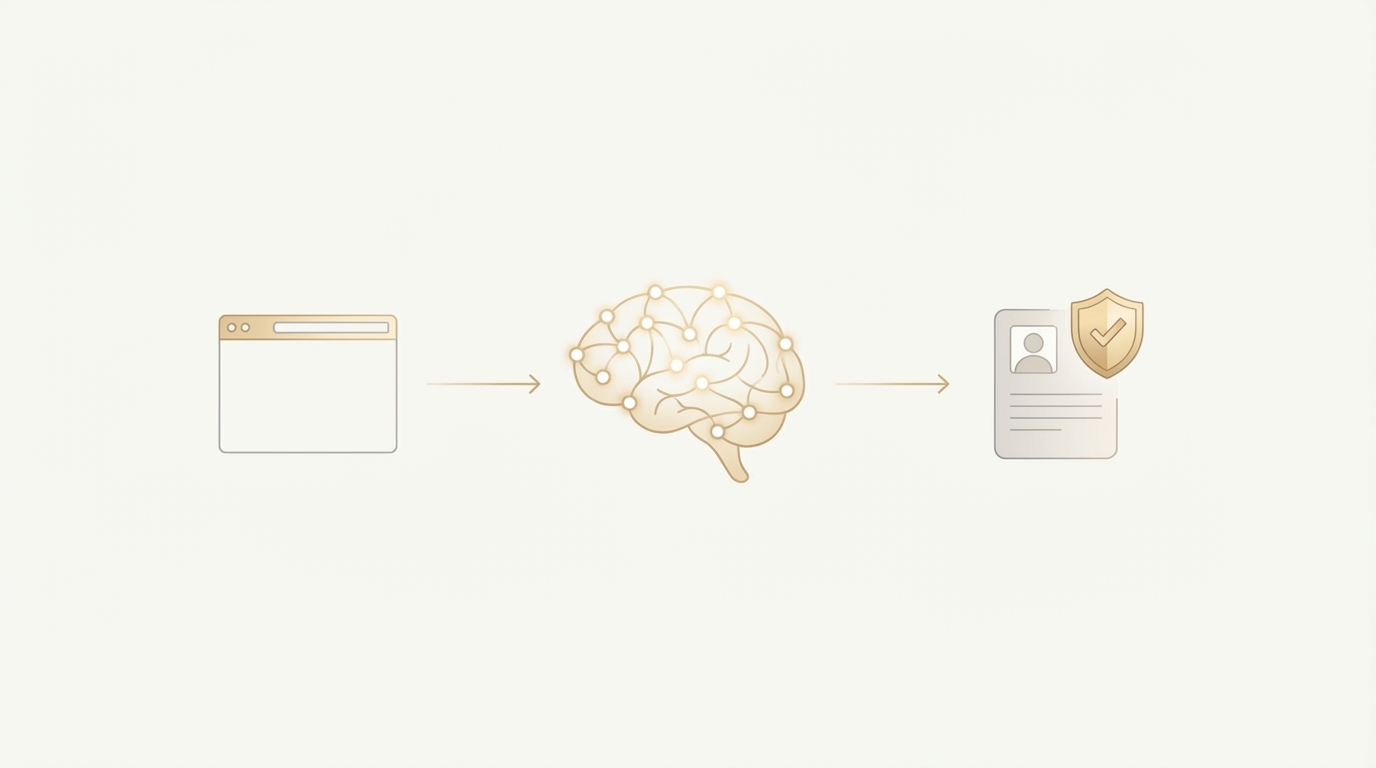
That’s where browser-native AI agents matter. Instead of depending on brittle APIs, platforms like Ventus AI operate as secure, virtual teammates that use the same browser your staff uses. They navigate portals, handle MFA/CAPTCHAs, document each step with audit logs, and escalate issues via Slack/Teams/email or even over the phone. Because deployment doesn’t require system integrations, you can launch targeted automations in days, not quarters, and focus your human experts on resolving exceptions and high-value cases.
Enterprise teams deploy in 7 days — no integration required.
Book Your Free 15-Minute DemoUnderstanding the Solution
Modern RCM AI services combine three elements into a single operating model:
Browser-native automation: Agents log into payer portals and client systems like a human would, but with enterprise controls—managed identities, IP allowlists, secure vaults, and session management. This enables coverage across heterogeneous tech stacks where APIs are incomplete or unavailable.
Human-in-the-loop orchestration: When an exception arises, the agent gathers context, drafts a next-best action, and sends it to your team via Slack, Microsoft Teams, or email. Team members can approve, edit, or reassign. For phone-required steps, agents can place calls to payers to resolve issues. This keeps experts focused on judgement calls, not data entry.
Compliance-grade governance: HIPAA and SOC 2 and HIPAA compliance Type II controls, audit logs for every step and field change, and role-based permissions. Every action is traceable, reportable, and ready for client review.
Key capabilities RCM buyers expect today:
- Handles MFA, CAPTCHAs, and security flows at scale
- Works across inconsistent payer portals and changing UIs
- 24/7 processing with clear SLAs and throughput reporting
- Communication via Slack/Teams/Email; phone calls for edge cases
- Error detection, auto-retries, and escalation playbooks
- Rapid deployment—typically under 7 days for initial workflows
Below is a practical view of how AI agents reshape the daily work:
| Workflow | Manual RCM Process | Ventus AI-Augmented RCM Process | Impact |
|---|---|---|---|
| Eligibility Verification | Staff log into each payer portal, enter patient data, capture screenshots, and update systems. | Agent performs batch checks, captures evidence, logs results, and flags exceptions for human review. | Higher throughput, fewer data-entry errors, faster pre-visit readiness. |
| Claim Statusing | Users navigate payer portals or make calls; progress logged manually. | Agent checks portals, documents codes/notes, and triggers next action; calls payers when needed. | Reduced cycle time, consistent documentation, improved recovery. |
| Denial Management | Analysts research denial codes, gather documentation, draft appeals. | Agent compiles evidence, drafts appeal letters, and routes for approval and submission. | Faster appeal turnaround, increased overturn rates. |
| AR Follow-Up | Aging reports triaged daily; repetitive check-ins on many small balances. | Agent auto-prioritizes, performs status checks, and escalates only exceptions. | Shorter DSO, staff focus on complex high-value accounts. |
| Prior Authorization | Staff submit requests, track statuses, and chase missing items. | Agent submits, tracks, and nudges; escalates cases needing clinical input. | Higher approval velocity, fewer scheduling delays. |
This model reframes automation as “AI agents as teammates,” not a replacement for people. Your experts remain the decision-makers; agents handle the busywork reliably and transparently.
Implementation & Best Practices
A successful RCM AI services offering follows a repeatable playbook you can standardize across clients.
Step 1: Prioritize high-ROI workflows
- Start where the work is repetitive and rules-driven but high-volume: eligibility, claim status, AR follow-up, and denial appeals.
- Quantify baseline: cycle time per task, cost per claim, first-pass resolution, DSO, and overturn rates.
Step 2: Map the “happy path” and exceptions
- Document the exact steps for a target payer set and the top 10 exception patterns (e.g., missing COB, invalid member ID, plan-specific rules).
- Define escalation rules: who approves what, what goes to Slack/Teams, and which cases trigger a phone call.
Step 3: Establish guardrails and access
- Create service accounts, MFA plans, and IP allowlists.
- Set audit requirements and data retention policies for PHI.
Step 4: Pilot in co-pilot mode
- Launch with a small client or payer cohort. Keep humans in the loop for final actions until confidence is high.
- Track precision, recall, and time saved for each task type.
Step 5: Expand to full automation and scale
- Move to autopilot for high-confidence steps; keep human oversight for edge cases.
- Clone the playbook to the next client with minimal changes, reusing the portal and exception libraries.
Common pitfalls to avoid
- Over-automating on day one: Keep a human-in-the-loop until data shows stability.
- Neglecting change management: Explain to staff and clients that agents reduce busywork so people can focus on complex problem-solving.
- Ignoring auditability: Always keep a tamper-evident log with screenshots, timestamps, and field-level changes.
- Incomplete exception planning: Most “breaks” come from missing exception routes, not from the happy path.
- Measuring the wrong metrics: Don’t just count tasks; measure business outcomes (DSO, overturn rates, cost per claim).
case studies: Smilist accelerates AR Smilist, a multi-location dental group, needed faster AR follow-up across many payers and processes. The team adopted AI agents to handle repetitive claim statusing and follow-ups, with staff focusing on exceptions. Result: AR follow-up time dropped from 90 days to under 24 hours. This wasn’t magic—it was a clear playbook: prioritize AR tasks, define exception pathways (including payer calls for urgent issues), deploy agents in co-pilot mode, then scale. For teams considering dental RCM automation, this is a concrete example of accelerating cash flow while freeing staff for higher-value work.
Operational best practices
- Create a shared taxonomy for exceptions across clients (e.g., E-101 for coverage mismatch, D-204 for missing documentation). Consistency speeds triage.
- Use Slack/Teams channels per workflow to keep humans in the loop with minimal friction.
- Set quality thresholds by workflow. For example, agents may post draft denial appeals for review until they achieve >98% template accuracy.
- Maintain a living library of payer portal patterns and updates to harden automations over time.
ROI & Business Impact
The business case for RCM AI services hinges on speed, accuracy, and scale without expanding headcount. Consider these levers:
- Cycle time compression: Moving from daily batch work to continuous processing. Smilist’s 90-days-to-24-hours swing shows the cash-flow upside of rapid follow-up.
- Staff capacity: Automating 40–70% of repetitive steps can free analysts for high-complexity denials and payer negotiations. Teams report higher morale when busywork drops.
- Denial overturn and first-pass yield: Standardized evidence gathering and consistent appeal templates increase win rates and reduce rework.
- Compliance and client trust: HIPAA/SOC 2 Type II controls and full audit logs turn automation into something you can comfortably show to clients and auditors.
What to measure
- DSO and cash acceleration by payer and client
- Denial rates and overturn percentages by code family
- First-pass resolution for eligibility and claims
- Cost per claim/authorization and tasks per FTE
- Throughput (tasks/hour) and error rates before vs after
Illustrative ROI scenario
- Baseline: 10 FTEs handling 25,000 monthly claim status checks; cost per check = $1.20; average cycle time = 3–5 days.
- With AI agents: 70% of checks automated, cost per automated check = $0.25–$0.40 equivalent; cycle time reduced to hours. If 17,500 checks shift to automation, monthly savings can exceed $14,000–$16,000 while also improving cash velocity. Results vary by payer mix and workflow complexity; track actuals to refine your model.
Timeline expectations
- Initial deployment: under 7 days for a well-scoped workflow
- Measurable throughput gains: within 1–2 weeks of go-live
- Financial metrics (DSO, overturns): visible movement typically within 30–60 days as volumes scale
Industry context: The 2023 CAQH Index estimates over $25B in potential annual savings from automating administrative healthcare transactions—evidence that the upside in RCM is both large and measurable. Pair those macro gains with proven micro-results like Smilist, and the business case becomes compelling.
See how enterprise healthcare organizations deploy AI agents in under 7 days.
Request a DemoFrequently Asked Questions
How do RCM AI services actually work under the hood?
RCM AI services use browser-native agents that operate like trained staff members. They securely log into payer portals and client systems, handle MFA/CAPTCHAs, perform tasks (e.g., eligibility checks, claim status, denial follow-up), capture evidence, and document every action. A human-in-the-loop layer routes exceptions to your team via Slack, Microsoft Teams, or email. For cases that require a phone call, agents can place calls and record outcomes. Each step is logged with timestamps and screenshots for auditability. Because this approach does not require APIs, it adapts quickly to changing portals and lets you standardize automation across varied client environments.
How much do RCM AI services cost, and how should I think about ROI?
Pricing models vary by volume, workflows, and SLAs, but the ROI math is straightforward: compare your current cost per task (or per claim) and cycle time against the AI-assisted equivalent. Many teams see 40–70% of repetitive tasks automated with lower unit costs and faster throughput. Layer in cash acceleration from shorter DSO and higher overturn rates on denials. Use a 30–60 day measurement window to baseline before/after and refine assumptions by payer mix. Avoid overfitting a single metric—evaluate together: cost per claim, DSO, first-pass yield, and staff capacity redeployed to higher-value work.
How long does implementation take, and what does a rollout look like?
Typical deployment for an initial workflow is under 7 days. A proven pattern: pick one high-volume workflow (e.g., claim status or eligibility), document the happy path and top exceptions, assign escalation owners, and launch in co-pilot mode. Within 1–2 weeks, you’ll see throughput and time-saved metrics stabilize. As confidence grows, move certain steps to autopilot and extend to more payers/clients. Smilist’s AR turnaround—from 90 days to under 24 hours—was enabled by this approach: start focused, validate quality with humans in the loop, then scale.
Are RCM AI services HIPAA compliant and SOC 2 certified?
Compliance is non-negotiable in revenue cycle. RCM AI services from platforms with HIPAA compliance and SOC 2 Type II certification implement strict controls: encryption in transit and at rest, role-based access, audit logs, secure credential vaults, IP allowlisting, and documented incident response. Managed identities and MFA policies ensure agent sessions meet your security standards. When evaluating vendors, request their SOC 2 Type II report, Business Associate Agreement (BAA), and data handling policies. These safeguards enable safe handling of PHI while delivering automation at scale.
Do we need APIs or deep EHR integrations to get started?
No. Browser-native automation sidesteps long integration timelines by working through the same interfaces your staff already uses. That’s critical when client tech stacks vary widely and payer portals change frequently. You can standardize service delivery without waiting on external roadmaps. For examples in vertical workflows, see how teams apply this to dental RCM automation, where portals and clearinghouses often lack consistent APIs.
Can AI agents handle edge cases like portal lockouts, MFA resets, or payer phone calls?
Yes. Mature agents manage MFA prompts, CAPTCHAs, and session renewals. When a portal locks out, the agent follows predefined recovery steps (e.g., password reset flows) or escalates to a human with full context. For payer calls, agents can place the call, navigate IVR menus, gather the necessary information, and record outcomes back to your system. If an issue requires judgement or negotiation, the agent loops in your specialist with relevant context so they can make the call efficiently.
What results can we realistically expect, and when?
Expect fast throughput gains within 1–2 weeks of go-live for structured, repetitive workflows. Financial metrics often move within 30–60 days as volumes scale: lower cost per claim/authorization, shorter cycle times, improved first-pass resolution, and higher denial overturn rates. Real examples: Smilist reduced AR follow-up from 90 days to 24 hours. Browse more outcomes in our Customer Stories for additional proof points.
How do agents collaborate with our team without disrupting operations?
Agents communicate through your existing channels—Slack, Microsoft Teams, and email—posting status updates, drafts (e.g., appeal letters), and exception alerts with suggested next actions. You decide which steps auto-execute and which require approval. Over time, you can tighten or relax review rules as quality metrics stabilize. This keeps humans in control, reduces swivel-chair work, and turns your experts into approvers and problem-solvers rather than data entry clerks.
Final Thoughts & Next Steps
RCM AI services let you productize automation—quickly, safely, and profitably. By using browser-native agents with human-in-the-loop controls and strong compliance, you can standardize delivery across diverse client stacks, compress cycle times from days to hours, and redeploy your team to the complex work that wins clients and accelerates cash.
Practical next steps:
- Pick one workflow (eligibility, claim status, or AR follow-up) and baseline the metrics that matter: cycle time, cost per task, and error rate.
- Define exceptions and escalation owners; launch in co-pilot mode under a 7-day deployment plan.
- Track throughput and quality weekly; advance high-confidence steps to autopilot and replicate the playbook across clients.
If you’re ready to see how AI agents could run your revenue workflows end-to-end with full auditability, book a tailored walkthrough at /demo/—we’ll map your top use case, quantify the ROI, and spin up a pilot.
Ready to Transform Your Revenue cycle?
See how Ventus AI agents can automate your end-to-end RCM automation with AI agents in under 7 days—no complex integrations required.
Book Your Free Demo
Enterprise AI Automation for Healthcare RCM
Written by the Ventus AI team — healthcare RCM practitioners, automation engineers, and former revenue cycle leaders building AI agents that work as teammates alongside billing teams. Ventus is SOC 2 Type II certified and HIPAA compliant.