
RPA vs AI: Understand the real difference in 2026. See how AI agents deliver 3,000+ daily checks with browser-native automation. Practical guide and ROI.
What is RPA vs AI agents AI Agents?
RPA (Robotic Process Automation) and AI agents are two approaches to automating work. RPA uses scripted rules to mimic clicks and keystrokes in a user interface; AI agents combine reasoning, vision, and communication to complete end-to-end tasks across systems, handling exceptions and collaborating with humans. The benefit gap is widening in 2026: AI agents operate across apps without brittle scripts, manage MFA/CAPTCHAs, and communicate via Slack/Teams and email. Real-world proof: Smilist uses AI agents to execute 3,000+ claim status checks daily, work that would otherwise require multiple full-time coordinators, .
If you lead operations or technology, you’re likely balancing three pressures: move faster without new integrations, improve quality under compliance constraints, and scale without adding headcount. This guide clarifies when RPA still fits, when AI agents outperform, and how to combine them. You’ll see a practical comparison table, a head-to-head of three automation models, a step-by-step implementation roadmap, real customer outcomes, and an ROI checklist you can apply this quarter.
Why it matters now: front-end UIs change weekly, security layers (MFA, device checks, CAPTCHAs) proliferate, and partner portals remain stubbornly non-API. Script-based bots struggle here. AI agents—operating natively in the browser, reasoning over dynamic pages, and escalating via human channels—close the last-mile gap so the work actually gets done.
The Hidden Cost of Script-Only Automation
Most teams start with RPA because it’s familiar: record a sequence, replay it, save time. It works until a portal adds a new pop-up, an element ID changes, or MFA prompts at odd intervals. Then bots fail silently, queues back up, and analysts spend nights firefighting. The hidden costs are multi-layered:
- Breakage and rework: Script brittleness means unplanned maintenance every time the UI shifts. Even minor layout changes can trigger cascading failures across dozens of bots.
- Security roadblocks: Standard RPA often stalls at MFA, CAPTCHAs, device fingerprints, and conditional redirects. Agents need to understand context and adapt; scripts can’t.
- Exception handling: Real work involves exceptions—missing documents, payer-specific rules, ambiguous errors. Without reasoning and communication, these pile up for humans to resolve, shrinking realized ROI.
- Shadow integrations: Teams layer email templates, spreadsheets, and manual checks around RPA to patch gaps. You end up with distributed, undocumented workflows that are fragile and risky.
- Slow change velocity: Each new payer, portal adds another unique flow to script. The backlog grows faster than the automation team can respond.
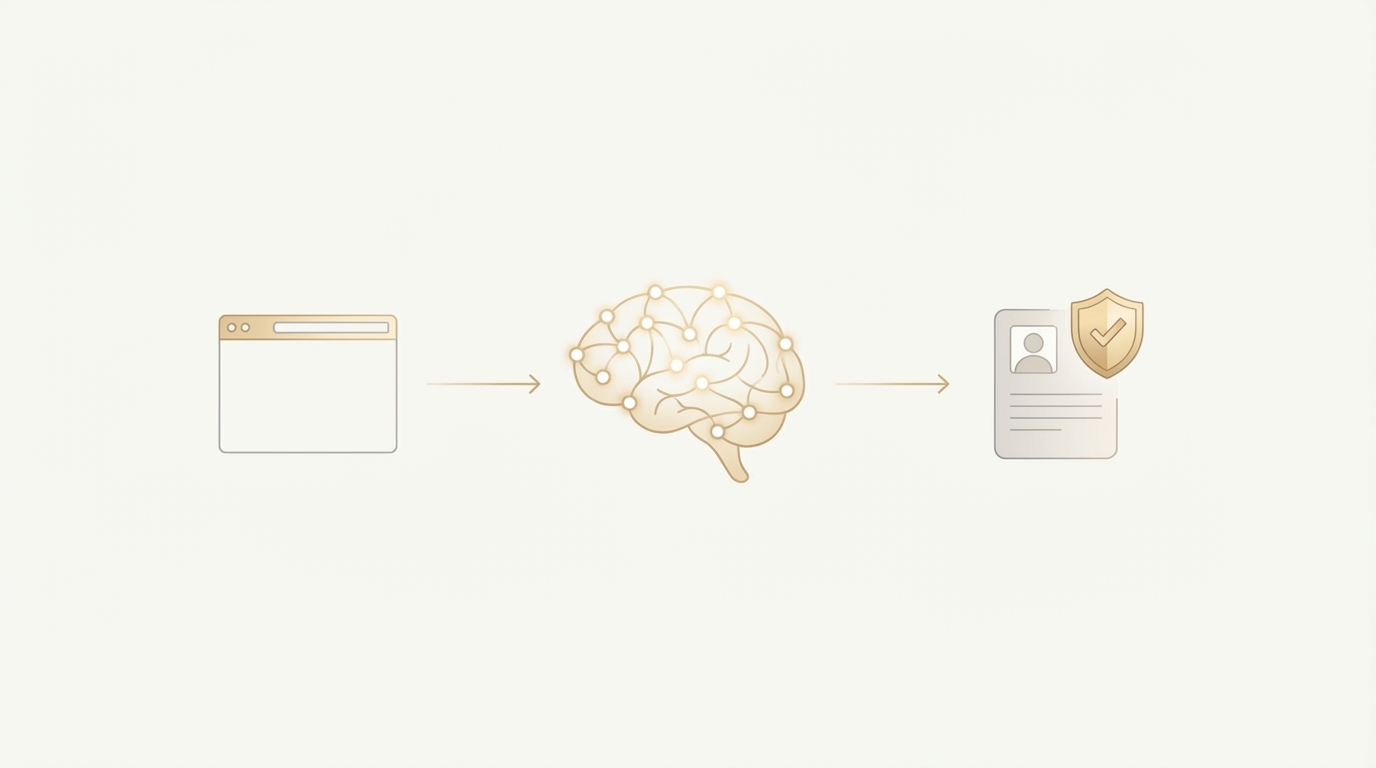
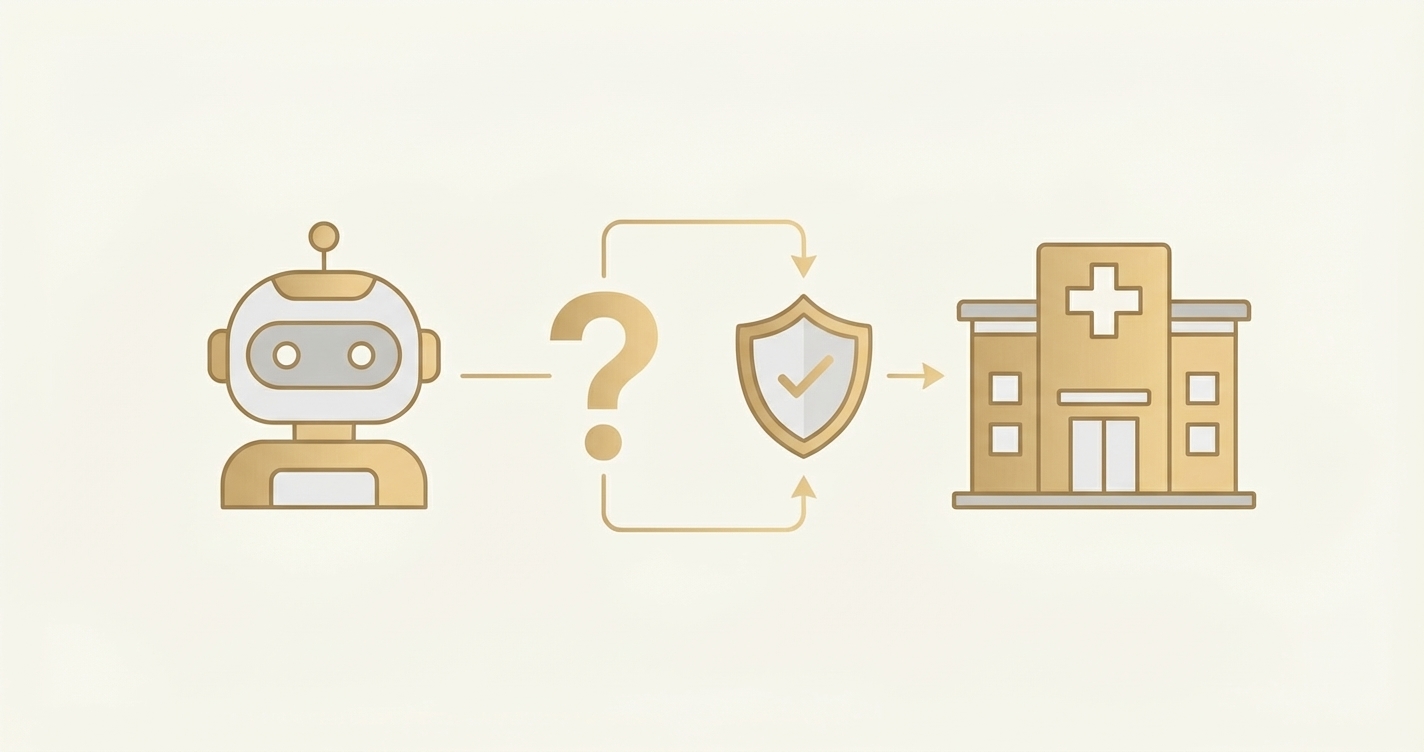
This is where modern AI agents, such as those from Ventus AI, are different. They operate in the same browser your teams use—no APIs required—so they can reach long-tail portals and web apps. They see and understand dynamic UI states, handle CAPTCHAs and MFA, and escalate via Slack or Teams when human input is needed. They can even make a phone call to close a loop with a payer or carrier. Because they reason about the goal rather than replay a brittle sequence, they’re resilient in the "messy middle" of real operations.
Enterprise teams deploy in 7 days — no integration required.
Book Your Free 15-Minute DemoThree Models for Automation in 2026: A Head-to-Head Comparison
There are three dominant ways to automate digital work today. Each has a place; the key is choosing the right tool for the right job and, increasingly, combining them.
1. Traditional RPA (Scripted UI Macros)
- Best for: Stable, rule-based tasks in a single app with predictable UI.
- Pros: Fast to start, good for repetitive clicks, broad vendor ecosystem.
- Cons: Brittle with UI changes, limited MFA/CAPTCHA handling, weak exception management, high maintenance.
2. API/iPaaS Integrations
- Best for: Systems with mature APIs and clear data contracts.
- Pros: Robust and fast, low runtime cost, great for system-to-system sync.
- Cons: Coverage gaps where APIs don’t exist, longer vendor coordination, slower to onboard new partners/portals.
3. AI Agents (Ventus)
- Best for: Multi-system, portal-heavy workflows with exceptions and security flows.
- Pros: Browser-native, handles MFA/CAPTCHA, reasons across steps, communicates via Slack/Teams/email, can place phone calls for edge cases, deploys in under 7 days.
- Cons: Needs clear guardrails/SOPs, requires monitoring and feedback loops, new capability for many teams (enablement needed).
Manual vs RPA vs AI Agents (Ventus): What Actually Changes
| Capability/Outcome | Manual Work | Traditional RPA | Ventus AI Agents |
|---|---|---|---|
| Setup time | Weeks to train staff | Days to script simple flows | Under 7 days to pilot live workflows |
| Works without APIs | Always, but slow | Yes, but brittle UIs break | Yes, browser-native and resilient |
| MFA/CAPTCHA handling | Humans pass | Often blocks runs | Handled natively with secure flows |
| Maintains context across apps | Humans do | Limited cross-app memory | Multi-app reasoning and state tracking |
| Exception handling | Inbox and calls | Usually routed to humans | Auto-escalates with context; can make phone calls |
| Communication | Email/phone only | Add-ons needed | Slack, Teams, Email out-of-the-box |
| Typical throughput example | N/A | Varies by script | 3,000+ daily status checks |
| Ongoing maintenance | Continuous training | High with UI changes | Low; agents adapt and are retrained centrally |
| Compliance posture | Policy-driven | Varies by platform | HIPAA and SOC 2 and HIPAA compliance Type II supported |
Smilist scaled to 3,000+ daily claim status checks without hiring more coordinators. This depended on portal-heavy work that API-only strategies couldn’t reach and where scripted bots struggled with security prompts.
Implementation Roadmap: From Pilot to Scale
Moving from theory to results doesn’t require a multi-quarter program. A focused pilot with AI agents can go live fast and build executive confidence.
- Pick one high-friction, high-volume workflow. Ideal candidates: portal-driven invoicing, claim statusing/denials, eligibility checks, or appointment scheduling.
- Define the goal and guardrails. Write a short SOP: inputs, success criteria, SLAs, exception thresholds, and approved escalation channels (Slack/Teams/Email/phone).
- Record the real-world path. Capture a few representative runs, including MFA/CAPTCHA steps and edge cases. Provide logins to a non-production account if possible.
- Stand up the agent in a browser-native environment. Because AI agents operate like a teammate, no API integration is required. This accelerates time-to-first-value and mirrors how your staff works today.
- Validate security and compliance. Ensure HIPAA and SOC 2 Type II requirements are covered, access is least-privilege, and audit logs are enabled.
- Run a 1-2 week pilot. Monitor daily metrics, review escalations in Slack/Teams, and tune exception policies. Aim for measurable throughput versus baseline.
- Scale by cloning. Once stable, replicate the agent across similar payers, or portals. Expand working hours to harvest unattended capacity.
Common pitfalls to avoid:
- Vague success criteria: If “done” isn’t defined, stakeholders won’t agree the pilot worked.
- Under-sampling exceptions: Only recording happy paths hides 80% of real-world friction.
- No escalation plan: Agents need a crisp playbook for when to ask a human.
- Forgetting change management: Treat agents as teammates; introduce them to staff and explain roles.
Success factors:
- Clear SOPs and guardrails: Agents thrive on well-defined goals.
- Daily communication channel: Slack or Teams keeps momentum and surfaces learning.
- Iterative tuning: Small, frequent adjustments beat big-bang releases.
- Executive-visible metrics: Show cycle time, success rate, and human hours returned weekly.
"Ventus stands out from the noise in the AI and automation market. Their approach allows them to ramp up quickly in the messy middle of RCM."
— Philip Toh, Co-founder & President, Smilist
ROI Reality Check: What Leaders Actually Achieve
Operations executives don’t buy technology; they buy outcomes. AI agents consistently deliver measurable improvements where RPA hits limits.
Faster cash conversion: Agents accelerate claims statusing/denials and invoicing, shrinking DSO and days-to-bill by clearing portal-driven bottlenecks.
Higher throughput per FTE: By handling long-tail portals and exceptions, agents return hours to your team. Smilist runs 3,000+ daily status checks without adding headcount.
Improved accuracy and compliance: Agents adhere to SOPs, maintain auditable logs, and operate within HIPAA and SOC 2 Type II guardrails.
Coverage without integrations: Browser-native execution reaches payers, and partner portals where APIs don’t exist or are slow to secure.
Key metrics to track:
- Cycle time per transaction: Before/after minutes to complete a unit of work.
- Throughput: Items processed per hour/day.
- First-pass success rate: Percentage completed without human intervention.
- Exception rate and resolution time: How often and how quickly agents escalate.
- Human hours returned: Annotate hours reallocated to higher-value work.
Timeline to results:
- Quick wins (1–2 weeks): Live pilot with measurable throughput gains and visible Slack/Teams escalations.
- Operational lift (30–60 days): Expanded portal coverage, >70–85% first-pass success on targeted workflows, extended unattended hours.
- Scale benefits (90 days+): Standardized playbooks across lines of business, cloned agents across payers, compounding hours returned and faster cash conversion.
When to consider RPA instead: If your process is entirely within one stable desktop app with no MFA and few exceptions, a small RPA script may suffice. When your work spans portals, security steps, and messy exceptions, AI agents outperform in speed-to-value, resilience, and ultimately ROI.
See how enterprise healthcare organizations deploy AI agents in under 7 days.
Request a DemoFrequently Asked Questions
What is the difference between RPA and AI agents?
The difference is that RPA replays scripted UI actions, while AI agents reason about goals and adapt across systems. RPA is ideal for stable, rule-based tasks with predictable screens; AI agents excel in portal-heavy, multi-app workflows with MFA/CAPTCHAs and exceptions. Agents can communicate via Slack/Teams and email, and even make phone calls to close loops. They operate browser-natively—no APIs required—making them resilient where RPA scripts often break.
How do AI agents from Ventus work technically?
They run as browser-native teammates that perceive the UI, reason about next steps, and act—just like an analyst. They handle MFA and CAPTCHAs, navigate dynamic elements, maintain context across apps, and escalate through Slack, Teams, or Email when human input is needed. For edge cases, they can make phone calls. Unlike API-only approaches, agents don’t require integrations to start; they work in the same portals your staff uses and are typically deployed in under 7 days.
How much do AI agents cost compared to RPA bots?
Total cost is typically lower for AI agents when you include maintenance and coverage. RPA may look cheaper upfront, but script breakage, exception handling, and portal gaps drive hidden costs. AI agents cover non-API portals, adapt to UI changes, and reduce manual exception rework—so realized ROI is higher. Customers like Smilist achieved dramatic throughput gains without adding headcount, compressing cycle times and returning hours to their teams.
How long does implementation take?
Under 7 days for a focused pilot. Teams select one high-friction workflow, define guardrails, and provide sample runs. Agents go live quickly, with daily updates in Slack/Teams and iterative tuning. In dental RCM, Smilist runs 3,000+ daily claim status checks using AI agents across payer portals. Scale follows by cloning the agent across similar partners or payers.
Are AI agents secure and compliant?
Yes—Ventus supports HIPAA and SOC 2 Type II, with least-privilege access, audit logs, and secure credential handling. Agents operate via the browser like a human user, respecting existing controls (MFA, device checks, CAPTCHAs) rather than bypassing them. Communication through Slack, Teams, and Email is logged, and phone calls for exceptions follow documented SOPs. This preserves your existing security posture while adding automation capacity.
Can AI agents handle MFA, CAPTCHAs, and phone calls?
Yes—handling these security and communication flows is a core design feature. Agents complete MFA and CAPTCHAs within secure guardrails, navigate adaptive checks, and escalate for human input when required. If an exception needs a human conversation (payer clarification), agents can make a phone call and record outcomes. This is where agents outperform RPA, which often stalls at such gates.
What results can I expect and how do I measure ROI?
Expect faster cycle times, higher first-pass success, and more throughput per FTE. Measure cycle time per transaction, items processed per hour/day, first-pass success, exception rate/resolution time, and human hours returned. Real example: Smilist scaled to 3,000+ daily claim status checks, demonstrating throughput, resilience, and realized ROI beyond script-based automation.
When should I still use RPA over AI agents?
Use RPA for simple, stable tasks within a single app that rarely changes and has no MFA/CAPTCHA or complex exceptions. For anything spanning multiple portals, frequent UI changes, or requiring communication and phone calls, AI agents are the better fit. Many leaders combine both: APIs where available, RPA for simple micro-tasks, and AI agents for the last-mile, portal-heavy workflows that drive real business outcomes.
Explore more AI insights or see our integration options.
Your Next Move: Action Plan for This Quarter
- Select a pilot workflow: Choose a portal-heavy, high-volume process (e.g., billing batches, claim status checks, eligibility verification) with measurable cycle time.
- Set success criteria and guardrails: Define SLAs, exception thresholds, escalation paths (Slack/Teams/Email/phone), and compliance requirements.
- Launch a 7-day pilot: Provide sample runs including MFA/CAPTCHAs and edge cases; monitor daily metrics and iterate.
- Scale by cloning: Expand to similar payers/portals; extend unattended hours for compounding gains.
- Institutionalize metrics: Track cycle time, throughput, first-pass success, exceptions, and hours returned weekly.
Ready to see it on your workload mix? → See how it works on your payer mix — Book a 30-minute demo
Looking for specific workflows? Explore dental RCM automation to understand where agents deliver immediate value across non-API portals and complex security flows.
Ready to Transform Your Revenue cycle?
See how Ventus AI agents can automate your end-to-end RCM automation with AI agents in under 7 days—no complex integrations required.
Book Your Free Demo
Enterprise AI Automation for Healthcare RCM
Written by the Ventus AI team — healthcare RCM practitioners, automation engineers, and former revenue cycle leaders building AI agents that work as teammates alongside billing teams. Ventus is SOC 2 Type II certified and HIPAA compliant.