Microsoft Teams
Connect Microsoft Teams
Grant Ventus Prime access to your Microsoft Teams tenant.
Step 1: Log in to Ventus Prime
Go to prime.ventus.ai and log in with your account credentials.
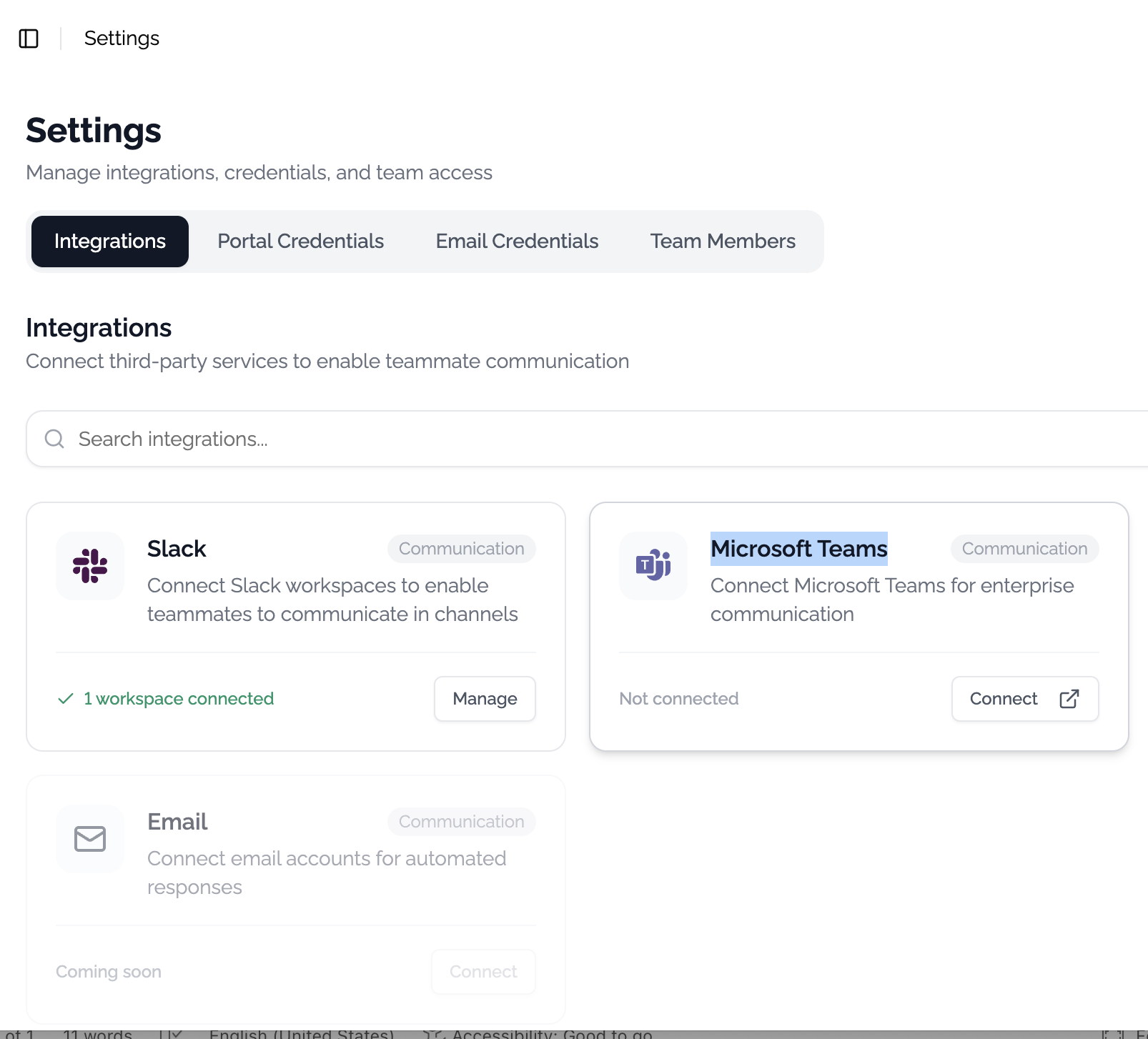
Step 2: Open Integration Settings
Navigate to Settings at prime.ventus.ai/teammate/settings.
Click the Connect button under Microsoft Teams. A pop-up window will appear asking you to grant Ventus access to your Teams tenant.
Step 3: Verify Connection
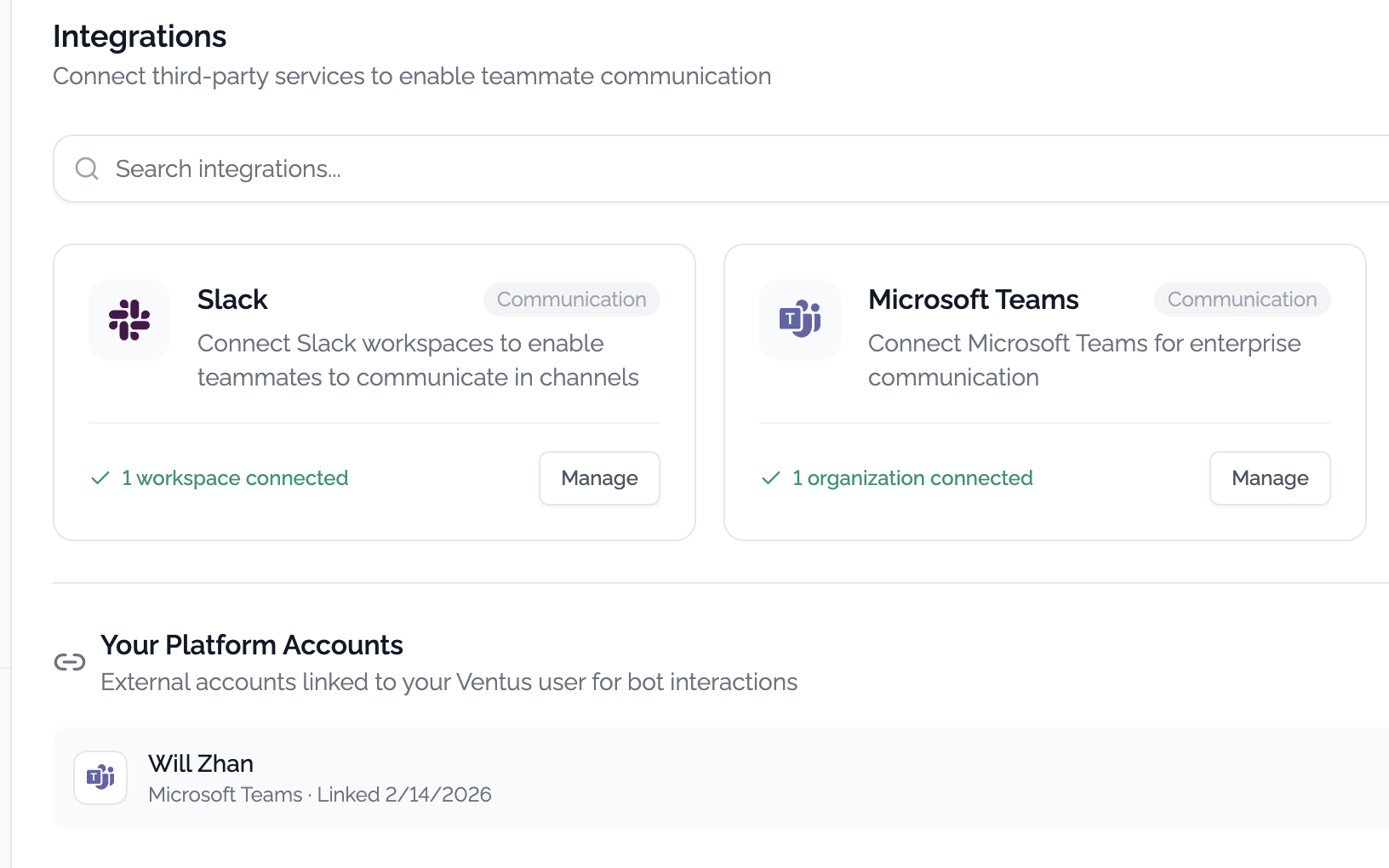
After granting access, your account will be bound to Microsoft Teams. You can verify the connection at prime.ventus.ai/teammate/settings?tab=integrations.
You should see your Teams account listed under the integrations tab: