
WhatsApp Integration
Chat with your AI teammate on WhatsApp by messaging the Ventus Prime number and linking your account.
Overview
The WhatsApp integration lets you interact with your AI teammate directly through WhatsApp. No setup or configuration is required on your end — just message the Ventus Prime WhatsApp number and link your account.
Important: If your AI teammate has System Access enabled, responses may contain Protected Health Information (PHI). We generally do not recommend using WhatsApp with System Access enabled. If you choose to do so, please be aware of the compliance implications and use at your own risk.
Prerequisites
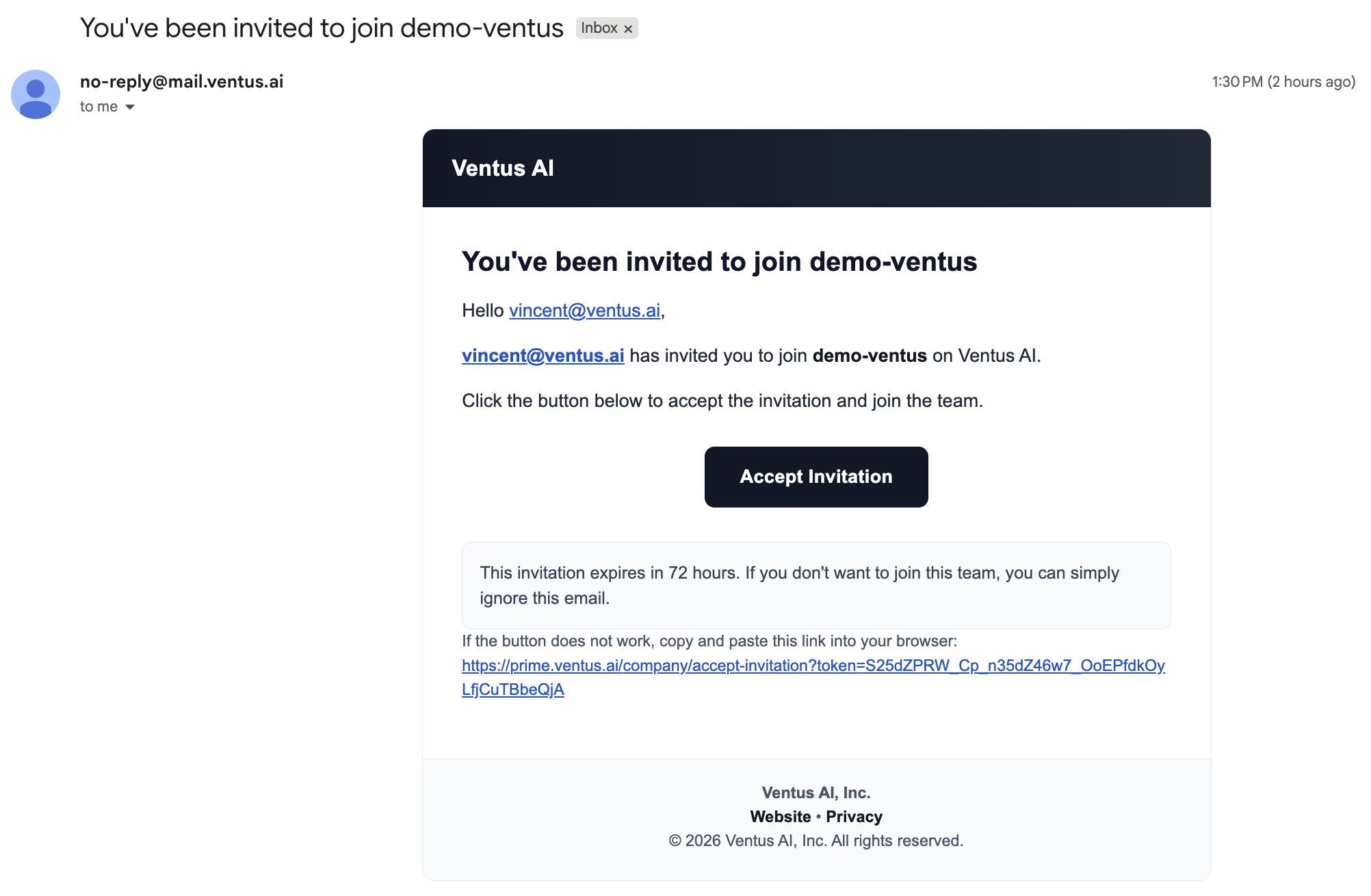
- You have received an invitation email from your organization's administrator and accepted it — this means your Ventus Prime account is ready
- At least one AI teammate created and configured with knowledge base access
Step 1: Message the Ventus Prime Number
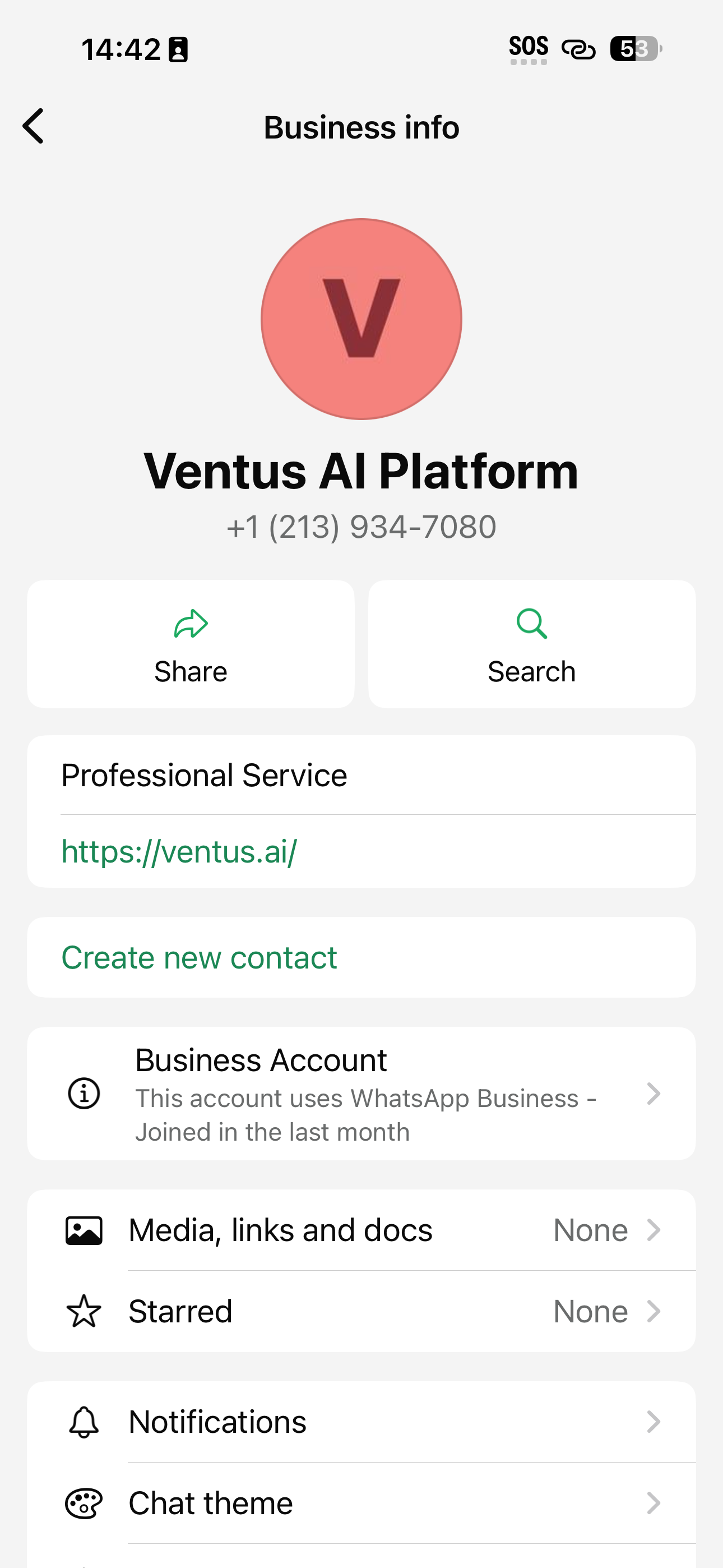
Open WhatsApp and send any message to +1 (213) 934-7080.
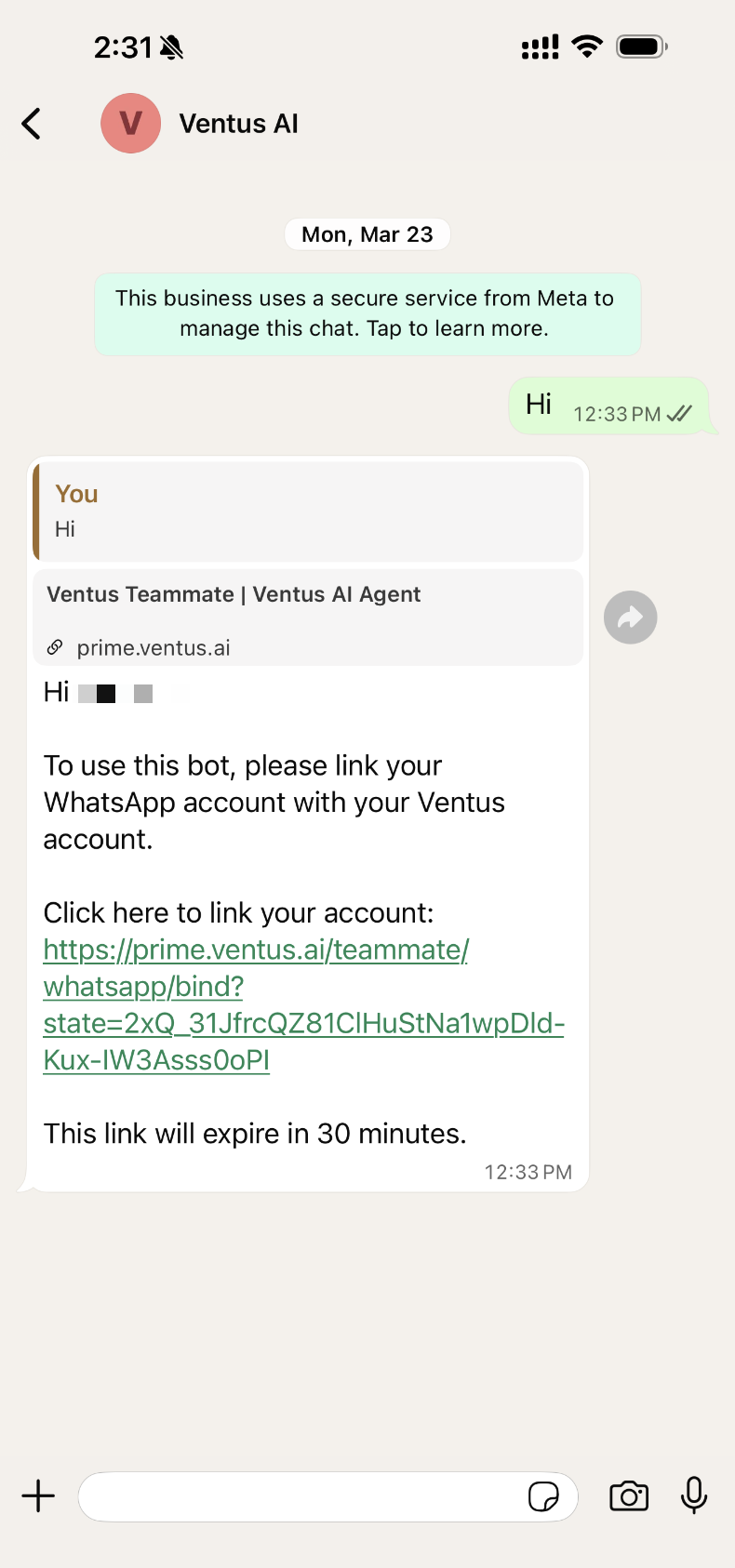
If your WhatsApp account is not yet linked to a Ventus account, the bot will respond with a binding link.
Step 2: Open the Binding Link
Tap the link in the bot's response. This opens a browser page where you will be prompted to log in to your Ventus Prime account if you are not already authenticated.
Step 3: Select Your Company
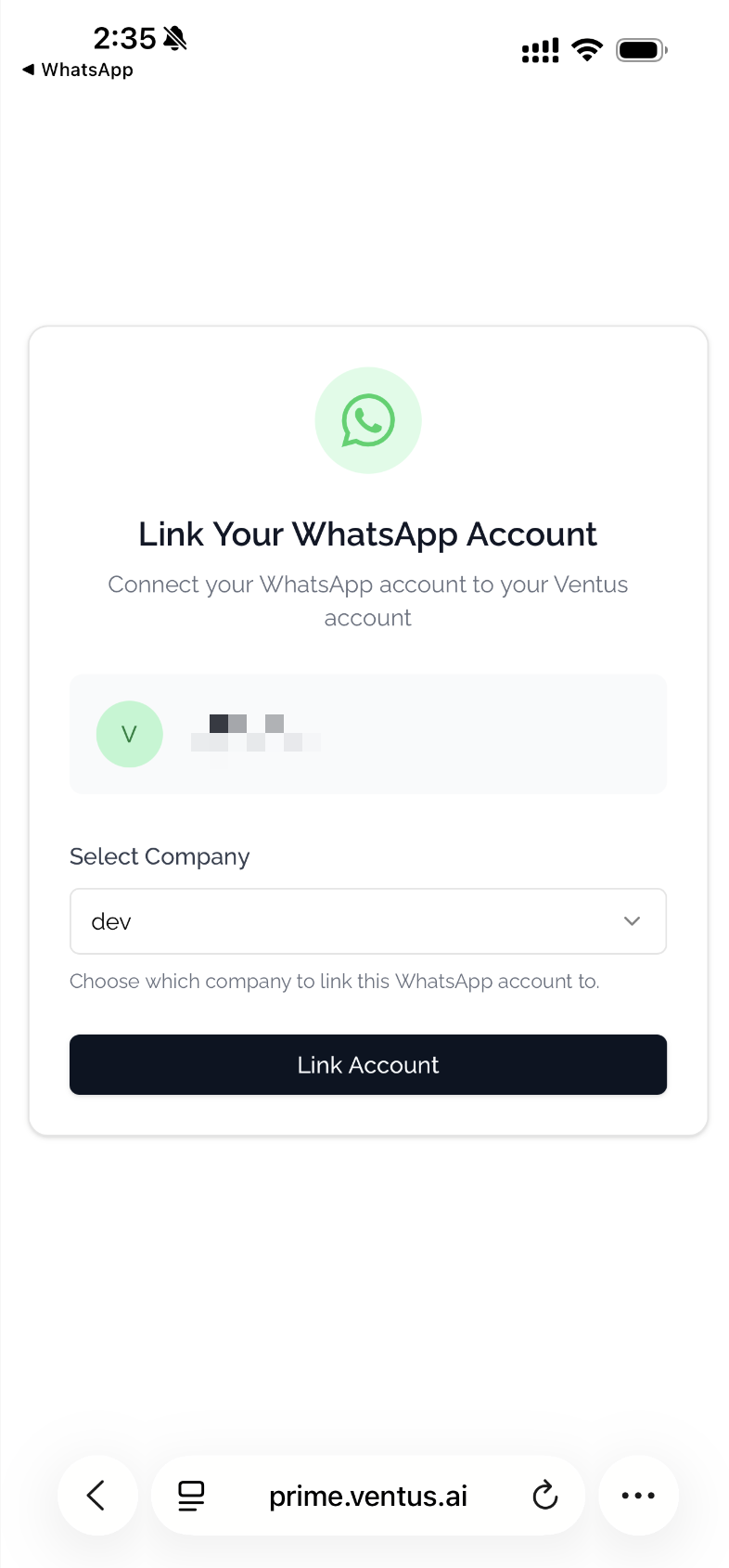
After logging in, you will see:
- Your WhatsApp account details (name and phone number)
- A dropdown to select which company to associate with
Select the appropriate company and click Link Account.
Step 4: Start Chatting
Once linked, you will see a success confirmation:
Account Linked Successfully! Your WhatsApp account has been linked to your Ventus account. You can now use the bot in WhatsApp.
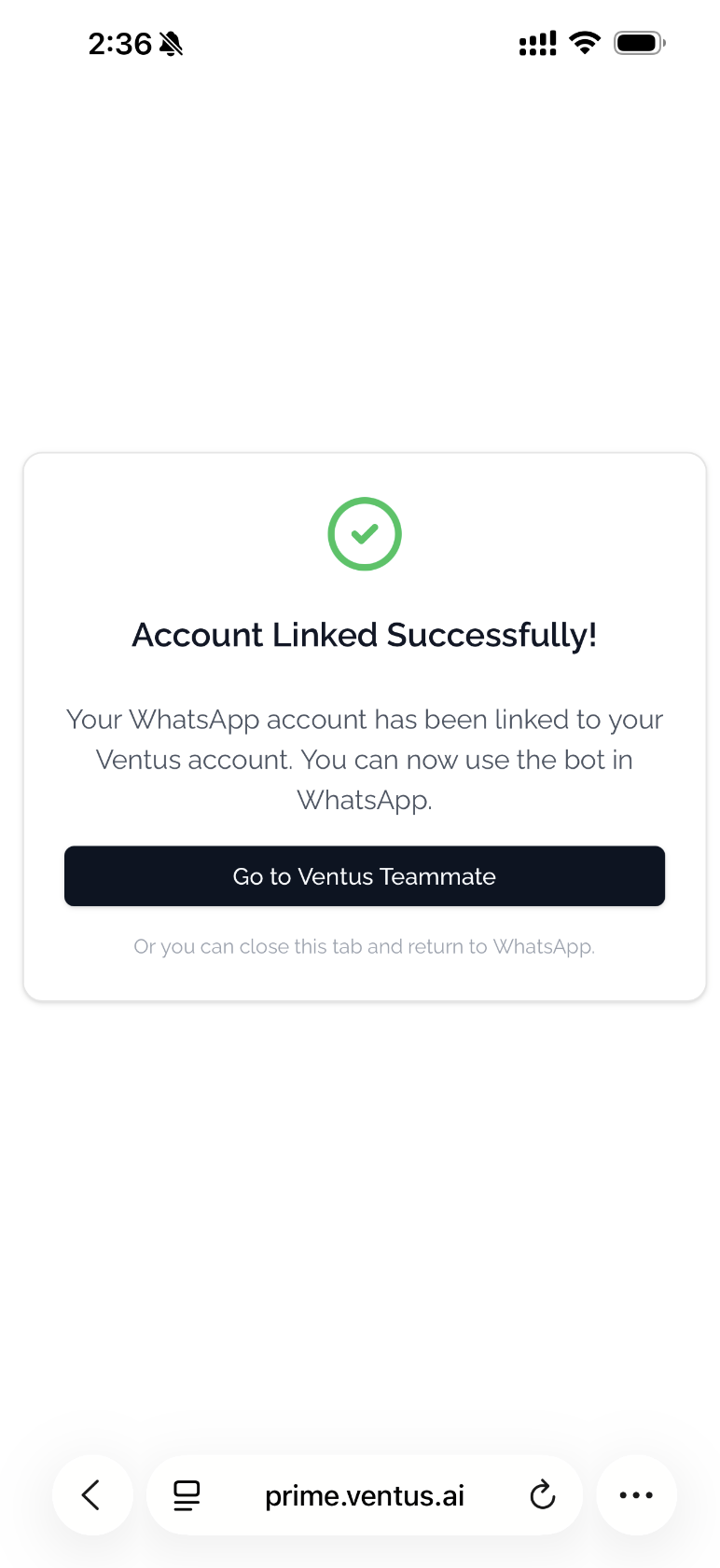
Close the browser and return to WhatsApp. Your AI teammate will now respond to your messages using its configured knowledge bases and system integrations.
Try Asking
Not sure what to ask? Here are a few examples:
- "What is our PTO policy?"
- "How do I submit an expense report?"
- "Does John Smith have an appointment this week?" (requires System Access)
For more examples and tips, see Using Your Teammate.
Troubleshooting
| Issue | Solution |
|---|---|
| Bot doesn't respond | Make sure you have a Ventus Prime account and at least one AI teammate configured |
| Binding link expired | Send another message to the bot to receive a new link |
| "No Company Available" | Your Ventus account may not be associated with a company. Contact your administrator. |