
Run a bulk claim status check on 1,000+ dental claims in minutes. Learn how AI agents speed batch claim checking, cut delays, and free your team to focus.
Introduction
Claim statusing is the heartbeat of revenue follow-up, yet it is also one of the most time-consuming, repetitive tasks in dental RCM. If your team is bouncing between payer portals, calling IVRs, and updating ledgers by hand, you already feel the impact: slowed cash flow, rising days in A/R, and staff burnout. For DSOs and multi-site practices, the challenge compounds as the number of payers, plans, and portals grows by the month.
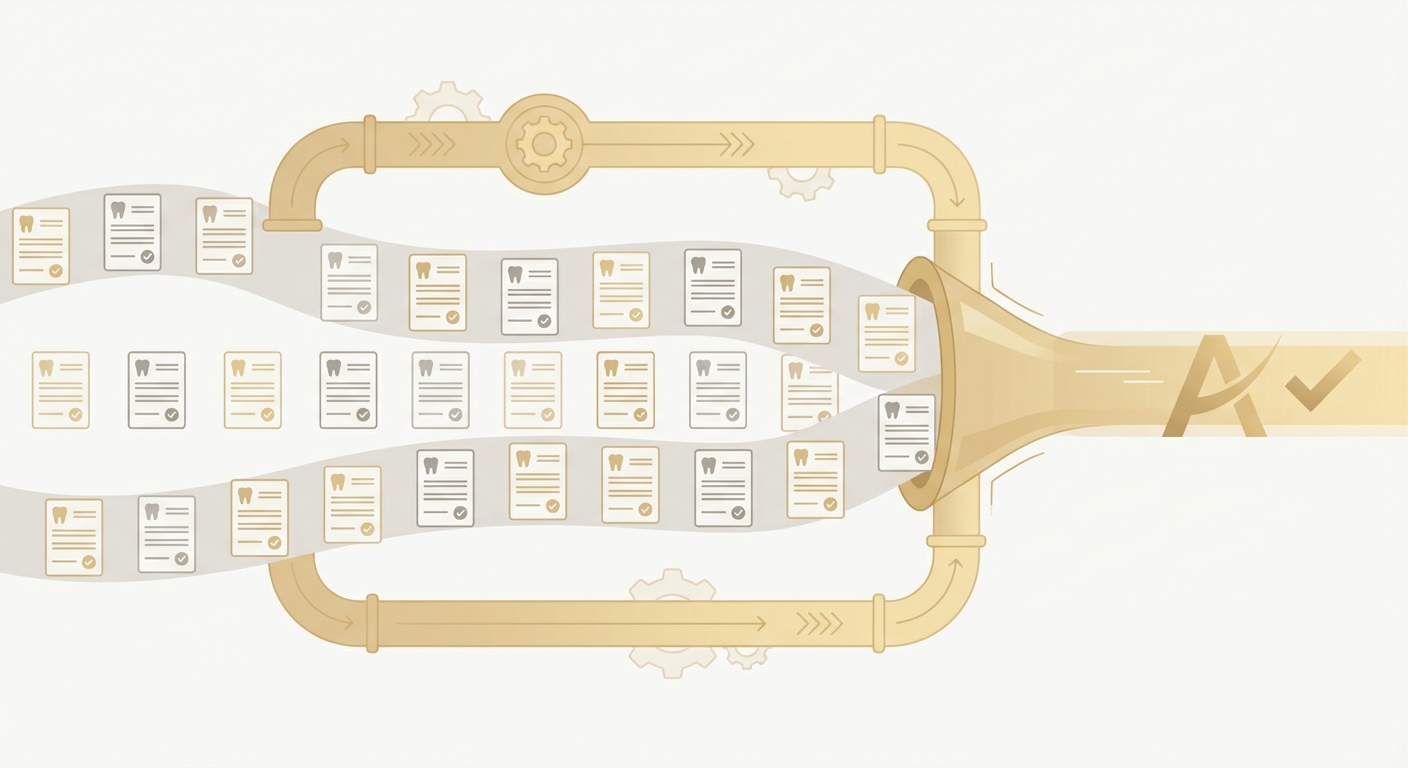
This guide shows how to run a bulk claim status checking check across 1,000+ dental claims in minutes, not days. We will unpack why manual batch claim checking breaks down at scale, what a modern automated approach looks like, and how to implement it safely in your environment. You will also get a comparison of manual versus automated methods, an implementation checklist, and the metrics that matter for executive visibility.
Why this matters now: dental payers increasingly push status updates through portals, many do not support standard electronic 276/277 inquiry workflows, and staffing remains tight for billing teams. The result is a heavy manual workload that slows follow-up on rejections, missing information, coordination of benefits, and medical necessity questions. Modern, browser-native AI agents can execute the same steps your team already performs—sign in, pass MFA, navigate to claim search, retrieve status, and post updates back to your system—at scale and with a complete audit trail. Done right, batch claim checking becomes a fast, reliable daily cadence instead of a weekly scramble.
What is Bulk Claim Status?
Bulk claim status refers to the process of checking the status of multiple dental insurance claims simultaneously through an automated system, rather than manually checking each claim one by one. This approach leverages AI technology to streamline the claims management process, significantly improving efficiency and accuracy. By using bulk claim status checking, dental practices can reduce the time spent on administrative tasks and focus on more critical functions. For instance, Smilist has successfully reduced AR follow-up time from 90 days to under 24 hours using Ventus AI, showcasing the transformative potential of this technology. The benefits are clear: faster claim resolutions, reduced overhead costs, and improved cash flow management, delivering a noticeable return on investment for dental practices.
Section 1: The Problem and Challenge
The typical dental revenue operation depends on claim status to trigger what happens next: resubmission, attachment upload, COB outreach, appeal, or patient billing. Yet the ecosystem is fragmented. One payer supports batch eligibility but not claim status, another requires unique portal logins per location, and yet another returns codes that do not neatly map to ADA adjustment categories. When you multiply this by hundreds or thousands of open claims across dozens of payers, basic batch claim checking turns into a queue your team can never quite clear.
Key challenges we hear from DSO executives and billing leads:
- Multi-portal fragmentation: Staff hop between dozens of payer websites with different layouts, timeouts, and CAPTCHA rules. Even with saved credentials, sessions expire, and MFA prompts trigger at the worst moments.
- Variable data requirements: Some portals accept subscriber ID plus date of birth; others require claim number, NPI, TIN, and billed amount. Claims without those specifics stall, forcing manual research before status can even be retrieved.
- Phone and IVR lock-in: For certain plans or legacy payers, the only path to a status update is phone-based IVR. Long hold times or limited hours delay your team.
- Lack of audit trail: When status checks happen by hand, it is difficult to reconstruct who checked what, when, and what the result was. That makes compliance reviews and root-cause analysis harder, especially across a large DSO footprint.
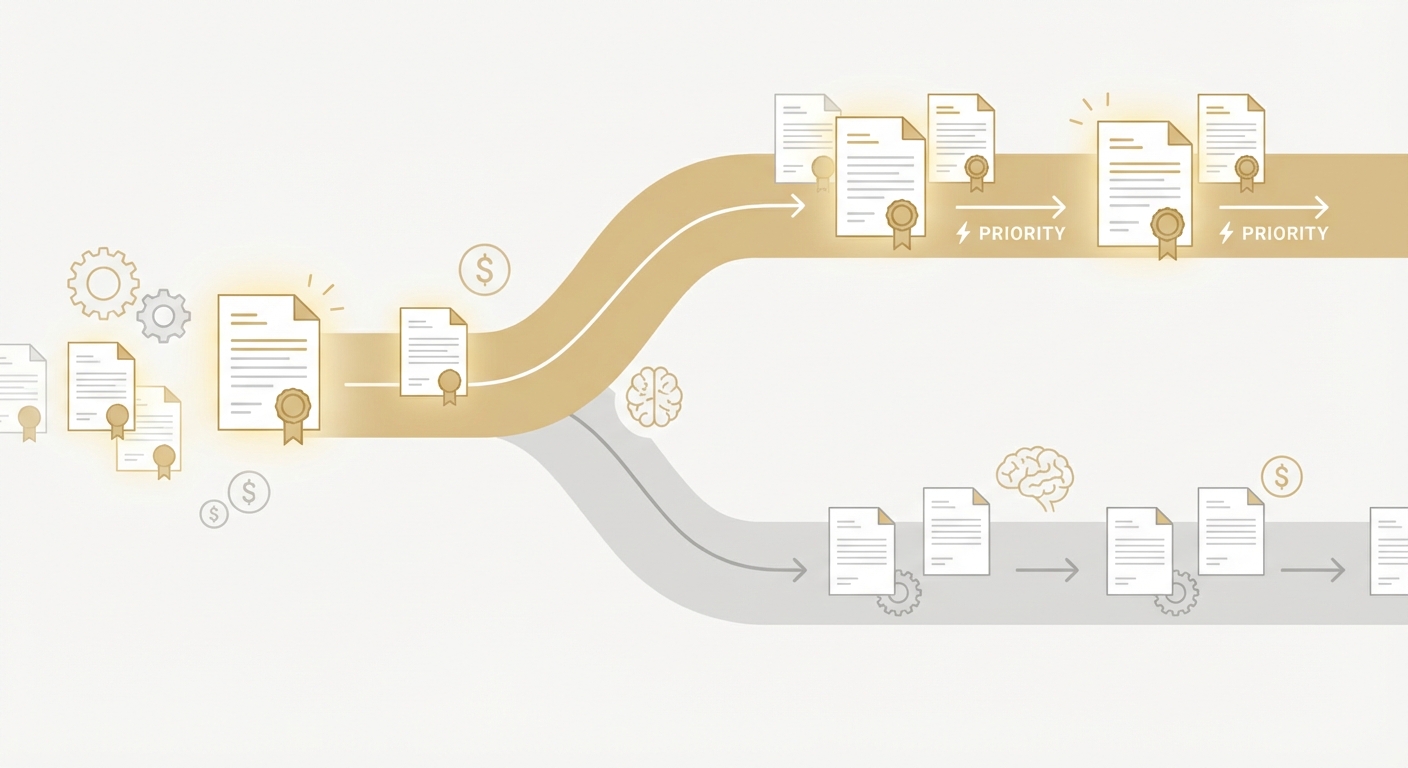
- Prioritization gaps: Without a centralized way to run a bulk claim status check, teams often work the loudest items or the most recent denials rather than the most recoverable dollars.
Real-world scenarios illustrate the pain:
- Monday morning backlog: A billing coordinator logs into five payer portals to check 300 aging claims. After two hours, they have updated only a fraction because several portals required password resets and one needed a specific claim number that was not in the export.
- Hidden rejections: A batch uploaded last week never made it into adjudication due to a portal-side formatting issue. Without proactive batch claim checking, the issue is discovered days later when AR is already aging out of target.
- Attachment limbo: Orthodontic and periodontal claims may sit pending clinical attachments. Without frequent status sweeps, these stall quietly until patients call about statements.
The business impact is real: slower cash, more rework, and staff time diverted from high-value tasks like appeals and complex problem solving. Industry groups have long pointed out that manual status checking is a major source of administrative waste. The CAQH Index, for example, highlights substantial nationwide savings available by automating administrative transactions like claim status inquiry across healthcare. While dental adoption varies by payer, the directional takeaway is clear: the less time your team spends clicking and calling for basic status, the more time they can spend resolving exceptions and preventing write-offs.
DSOs with 50+ locations save 40% on RCM costs in the first 90 days.
Request an Enterprise AssessmentSection 2: Understanding the Solution
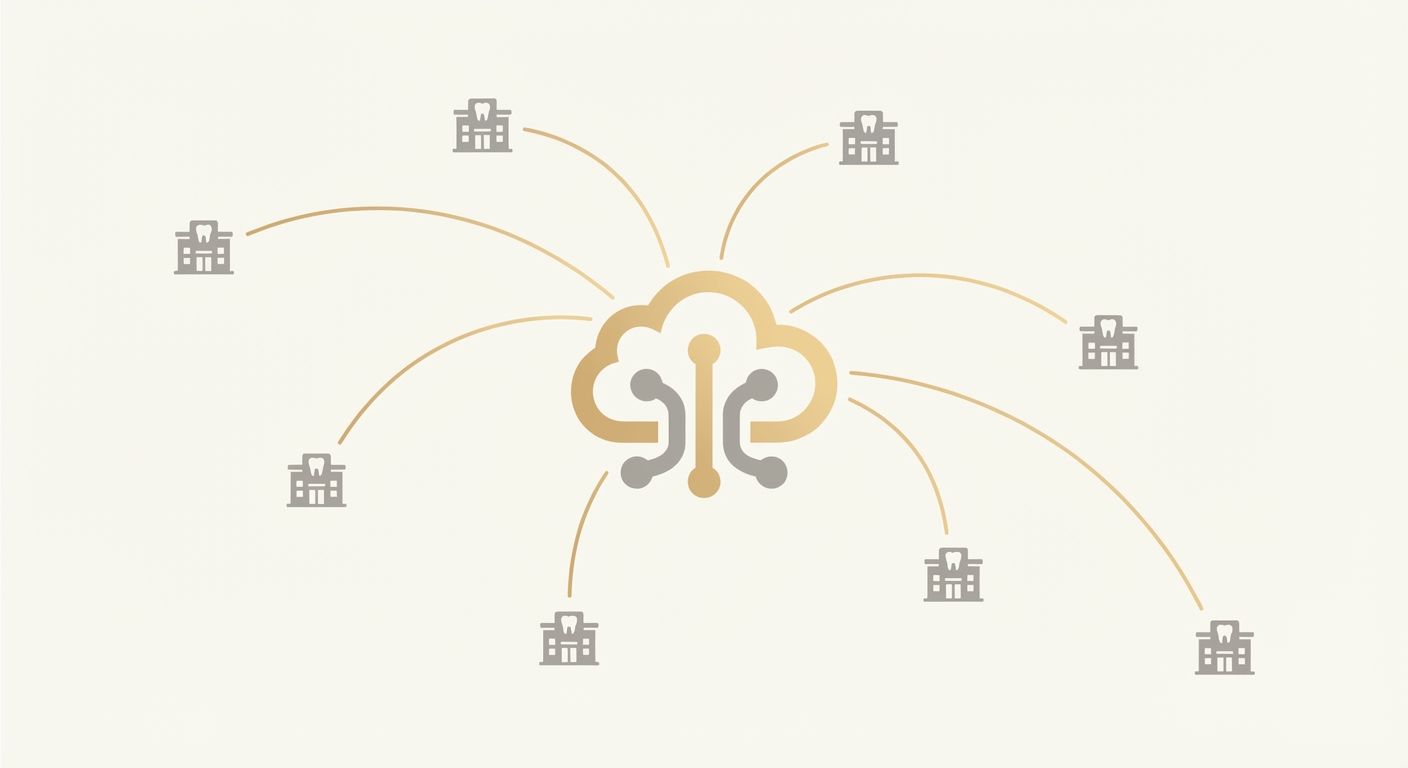
Modern solutions for bulk claim status check use AI agents that operate directly in payer portals and clearinghouses the same way a trained billing coordinator would—only faster, in parallel, and with perfect documentation. Rather than waiting for API integrations that many dental payers simply do not offer, browser-native automation navigates existing UIs, handles MFA and CAPTCHA, retrieves status, normalizes results, and posts them back to your practice management system or a shared work queue.
What this looks like in practice:
- Centralized batch intake: Export a list of open claims from your practice management system with key fields such as subscriber ID, patient name, date of birth, claim date, procedure codes, billed amount, and payer.
- Smart routing: The agent automatically groups claims by payer and portal, logs in with stored credentials, and begins batch claim checking. Exceptions, like missing claim numbers, are flagged for human review.
- Human-grade navigation: Agents click through the same flows your team uses, including passing MFA, navigating menus, applying filters, and opening each claim to capture status, remarks, and remittance references.
- Normalized outputs: Results are mapped into a standard status taxonomy like accepted, in process, pending attachment, denied, paid, or needs resubmission, with payer-specific codes preserved for audit.
- Real-time communication: The agent posts summaries and exceptions to Slack, Microsoft Teams, or email. High-priority items—like a rejection window closing soon—can trigger alerts.
- Write-back options: Depending on your process, the agent can enter notes into your browser-based PMS, produce a CSV for import, or update a shared ledger. Because the automation is browser-native, no new API integration is required.
Ventus AI agents are designed as teammates, not replacements. They take on the repetitive steps of batch claim checking so your human experts can focus on complex exceptions and patient-sensitive decisions. Ventus agents can also place outbound phone calls for payers that do not expose required data online, allowing the bulk claim status check to reach true payer coverage at scale. They handle MFA and CAPTCHAs, maintain a full audit trail with screenshots and timestamps, and operate in a HIPAA-compliant, SOC 2 and HIPAA compliance Type II certified environment.
A quick comparison underscores the difference:
| Dimension | Manual status checking | Ventus Automated Bulk Claim Status Check |
|---|---|---|
| Throughput | Dozens per hour per user, variable | Thousands per hour across agents running in parallel |
| Consistency | Varies by staff experience and fatigue | Consistent execution 24x7 with standardized steps |
| Coverage | Limited by number of portals a person can juggle | Scales across many portals, clearinghouses, and IVRs |
| Error rate | Copy-paste mistakes, missed fields | Programmatic data capture, validation, and logging |
| Audit trail | Often limited to user notes | Complete logs, screenshots, timestamps, and status codes |
| Security | Shared passwords, ad hoc MFA | Credential vault, MFA-aware flows, role-based access |
| Communication | Manual updates via email or PM notes | Automated summaries to Slack, Teams, and email |
| Setup | Training per staff member | Under 7 days to configure agents and start runs |
The upshot: what used to be a slow, portal-by-portal grind becomes a reliable, high-volume routine. For DSOs pursuing centralized Dental RCM automation, this is a foundational capability that also complements other Ventus use cases like insurance verification automation and claim denial management. If your organization spans medical-dental integration, similar agents can support Medical RCM workflows as well.
Section 3: Implementation and Best Practices
Rolling out an automated bulk claim status check is straightforward when you take a structured approach. Below is a step-by-step plan our team uses with dental practices and DSOs.
Step 1: Define your objective and scope
- Objective: Clarify what success looks like. Examples include daily statusing of all claims over 7 days old, or sweeping specific payers with high denial rates.
- Scope: Start with a set of payers that represent most of your open AR and a few portal flavors. Include a mix of commercial and government dental plans where applicable.
Step 2: Prepare your data
- Export fields: Subscriber ID, patient name, date of birth, claim number (if available), service date, billed amount, procedure codes, location, provider, and payer name.
- Normalize payer names: Create a reference table so the agent can map your internal naming to exact portals or clearinghouses.
- Build a status taxonomy: Decide how portal-specific responses map to standard categories such as accepted, in process, pending information, denied, paid, or requires resubmission. This enables clean analytics.
Step 3: Secure access and credentials
- Credential vaulting: Store portal logins centrally with least-privilege access. Rotate credentials regularly and document owners.
- MFA alignment: Configure MFA methods the agents can handle, such as authenticator apps or SMS. Agents can pass MFA and CAPTCHAs as part of the run.
- Environment: Use dedicated workstations or virtual sessions for agent execution to maintain segmentation and auditability.
Step 4: Configure the AI agents
- Workflow templates: Use prebuilt templates for major portals; customize navigation for edge-case payers.
- Parallelization: Set concurrency levels per payer to avoid rate limiting while achieving throughput targets.
- Phone fallback: For payers lacking online detail, enable agent-initiated calls with templated scripts to retrieve status and reference numbers.
- Communications: Route summaries and exceptions to Slack or Teams channels by payer, location, or aging bucket to match your org structure.
Step 5: Decide on write-back and documentation
- Browser-native updates: Where your PMS is web-based, agents can post notes directly to claim records.
- File outputs: Generate structured CSV or JSON files for batch import if direct write-back is not desired.
- Evidence logging: Capture screenshots and response codes for every claim touched to support audits and training.
Step 6: Pilot, then scale
- Pilot run: Start with a 500–1,000 claim cohort across 3–5 payers. Review results for accuracy and completeness.
- QA cadence: Perform daily spot checks in the first week; move to weekly sampling once accuracy stabilizes.
- Scale-up: Expand payer coverage and increase frequency to a daily or twice-daily cadence. Many teams run a morning aging sweep and an afternoon cleanup sweep.
Step 7: Train the team and set handoffs
- Work queue design: Create assignment rules so humans automatically receive exceptions like missing information or pending attachments.
- Escalation: Define SLAs for rework, appeals, and patient communication triggered by specific status categories.
- Feedback loop: Encourage billers to flag confusing portal messages so mappings can be refined.
Common pitfalls to avoid
- Overlooking payer nuance: Some dental plans require unique identifiers or claim numbers for status retrieval; ensure your export includes them when available.
- Ignoring portal limits: Respect session limits, timeouts, and rate thresholds to avoid lockouts.
- Weak taxonomy: If you do not normalize statuses, your analytics will remain fragmented and difficult to act on.
- No audit trail: Without evidence capture, you lose the ability to validate actions during audits or payer disputes.
- One-and-done mentality: Portals change layouts. Maintain a light governance rhythm to keep automations current.
Success factors
- Executive sponsorship: Align leadership on goals and reporting so the operation has air cover and visibility.
- Measurable targets: Define weekly targets for claims statused, exceptions cleared, and days in AR.
- Cross-functional buy-in: Engage operations, compliance, and IT early, especially for credential and MFA policies.
- Fast iteration: Use a short improvement cycle to tune mappings and handling for new payer messages.
Ventus deploys browser-native agents in under 7 days, with full HIPAA and SOC 2 Type II controls. Agents communicate progress via Slack, Teams, and email so everyone—from billers to regional managers—can see exactly what is happening in near real time.
Section 4: ROI and Business Impact
A reliable, automated bulk claim status check changes the operating rhythm of dental revenue management. Instead of chasing status information, your team starts the day with a prioritized queue of actions: fix demographic mismatches, upload missing attachments, refile corrected claims, and initiate appeals. That shift yields measurable business benefits.
Expected benefits and outcomes:
- Faster cash: Earlier identification of rejections and pendings moves rework upstream, reducing avoidable aging.
- Higher staff leverage: Billers spend less time on clicks and calls and more time on complex follow-up that drives recoveries.
- Better patient experience: Timely status updates minimize surprise statements and back-and-forth calls.
- Organization-wide visibility: Standardized status categories and dashboards make it easy to spot payer issues and process bottlenecks.
- Compliance readiness: Complete audit trails with timestamps and screenshots support internal and external reviews.
Key metrics to track:
- Percent of open claims with a fresh status in the last 48 hours
- Average time from submission to first status retrieval
- Share of claims flagged for missing information and time to resolution
- Denial-to-appeal cycle time and appeal success rate
- Days in AR and distribution across aging buckets
- Staff hours reallocated from statusing to exception handling
Timeline for results:
- Week 1: Configure agents, credentials, and mappings; run initial batch claim checking for priority payers.
- Weeks 2–3: Expand coverage and begin daily sweeps; establish dashboards and exception SLAs; measure early lifts in touch rate and rework timeliness.
- Weeks 4–6: Normalize across all major payers; refine taxonomy; shift more staff time to appeals and denial prevention; observe trend improvements in aging and write-offs.
While every organization is different, the directional ROI is consistent: a robust bulk claim status check cadence shrinks the time-to-knowledge about each claim. That knowledge, delivered quickly to the right teammates, is what accelerates cash and reduces waste—without adding headcount. And because Ventus agents operate in the browser with no new APIs required, you capture benefits quickly while preserving system and payer workflows.
Frequently Asked Questions
How does the bulk claim status process work?
The bulk claim status process automates the retrieval of claim statuses from payer portals using AI agents. These agents log into portals, navigate to the claim status sections, retrieve status information, and update your practice management system or communicate via Slack, Teams, or email. This ensures a streamlined and efficient process that minimizes manual intervention.
What is the cost/ROI of implementing bulk claim status automation?
The cost of implementing bulk claim status automation varies depending on the scale and complexity of your practice. However, the ROI is significant as practices typically see a reduction in administrative costs and improvements in cash flow. For example, Smilist saw a reduction in AR follow-up time from 90 days to under 24 hours, highlighting the potential for substantial financial benefits.
How long does it take to implement the system?
Implementing a bulk claim status system with Ventus AI agents can take under 7 days. This includes configuring agents, setting up credentials, mapping workflows, and initiating pilot runs. The quick setup allows practices to start seeing benefits almost immediately.
Is the process compliant with industry regulations?
Yes, the bulk claim status process is compliant with industry regulations, including HIPAA and SOC 2 Type II. The agents maintain a full audit trail, ensuring that all actions are documented with screenshots and timestamps, which supports compliance and audit requirements.
What results can we expect from using bulk claim status checks?
Using bulk claim status checks, practices can expect faster claim resolutions, reduced administrative workload, and improved cash flow. Metrics such as the percentage of open claims with a fresh status, average time from submission to first status retrieval, and reduced denial-to-appeal cycle times are typically improved.
How does bulk claim status automation impact staffing?
Bulk claim status automation enhances staff efficiency by taking over repetitive tasks, allowing staff to focus on higher-value activities like handling exceptions and improving patient communication. This increased efficiency can lead to better staff satisfaction and retention.
What are the key metrics to monitor post-implementation?
Key metrics to monitor include the percentage of open claims with recent status updates, time taken from submission to status retrieval, denial rates, and days in AR. These metrics help assess the effectiveness of the automation and guide continuous improvement efforts.
What are the edge cases or limitations of the system?
Edge cases can include payers with unique portal requirements or those that do not support electronic status retrieval. In such cases, manual intervention may still be necessary, or additional customization of the AI agents might be required to handle these specific scenarios.
How does the system compare to other solutions on the market?
Compared to other solutions, Ventus AI offers a browser-native approach that requires no new API integrations, allowing quick deployment and compatibility with existing systems. It provides comprehensive audit trails, real-time communication, and high scalability, making it a robust choice for dental practices seeking to optimize their claim status workflows.
Final Thoughts and Next Steps
If your team is spending hours inside payer portals and IVRs just to learn whether claims are accepted, pending, or denied, it is time to upgrade the workflow. A modern, automated bulk claim status check turns scattered, manual tasks into a predictable, high-throughput routine. The result: faster answers, faster cash, and more time for the complex work only your people can do.
Next steps you can take this week:
- Baseline: Export your current open claims by payer and aging bucket. Note how many have not had a status update in the last 7 days.
- Prioritize: Identify the top payers and claim cohorts where faster status retrieval will yield the biggest impact.
- Pilot: Select 500–1,000 claims and schedule a daily batch claim checking run to prove the model.
- Enable: Route outputs to Slack or Teams, and set clear SLAs for handling exceptions.
- Scale: Expand to cover your entire portfolio of payers and integrate write-back to your PMS or ledger.
Ventus AI agents operate as teammates who do the heavy clicking and calling, so your experts spend their day solving, not searching. They handle MFA and CAPTCHAs, can make phone calls when portals fall short, and run securely under HIPAA and SOC 2 Type II controls. Typical deployments begin producing value in under 7 days. Ready to see a live run? Request a personalized walkthrough at Request a demo.
Sources and further reading
- CAQH Index: Annual report on administrative complexity and the impact of automating transactions like claim status inquiry across healthcare. https://www.caqh.org/explorations/caqh-index
Ready to Transform Your Dental RCM?
See how Ventus AI agents can automate your claim denial management and AR follow-up across all your locations in under 7 days—no complex integrations required.
Book Your Free Demo
Enterprise AI Automation for Healthcare RCM
Written by the Ventus AI team — healthcare RCM practitioners, automation engineers, and former revenue cycle leaders building AI agents that work as teammates alongside billing teams. Ventus is SOC 2 Type II certified and HIPAA compliant.